

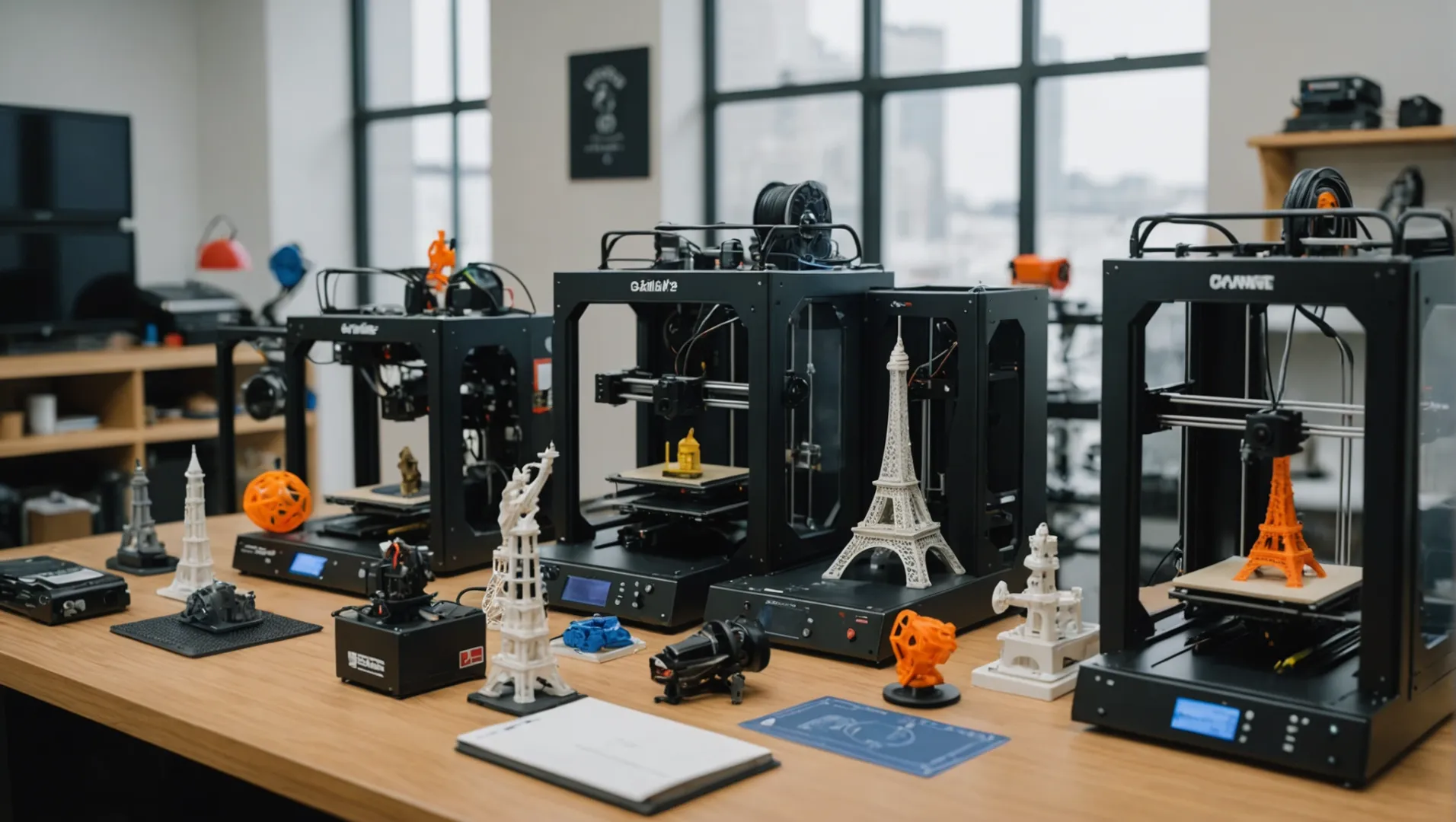
Embarking on the journey of owning a 3D printer? You’re stepping into a world filled with creativity and innovation!
When choosing a 3D printer, consider factors like intended use, print quality, build volume, materials, speed, ease of use, budget, and additional features. These elements will guide you in selecting the right model for your needs.
But hold on! The key factors are just the tip of the iceberg. Let’s dive deeper into each aspect and uncover how they truly influence your choice.
Print quality is the most important factor when choosing a 3D printer.False
While crucial, other factors like intended use and material compatibility are equally important.
How Does Intended Use Influence Your 3D Printer Choice?
Choosing the right 3D printer depends heavily on its intended use. Your unique needs define the printer’s specifications.
Intended use is a crucial factor in selecting a 3D printer as it dictates the required specifications, including printer type, materials, precision, and build volume. Different applications demand different features, making it essential to align your choice with your specific goals.
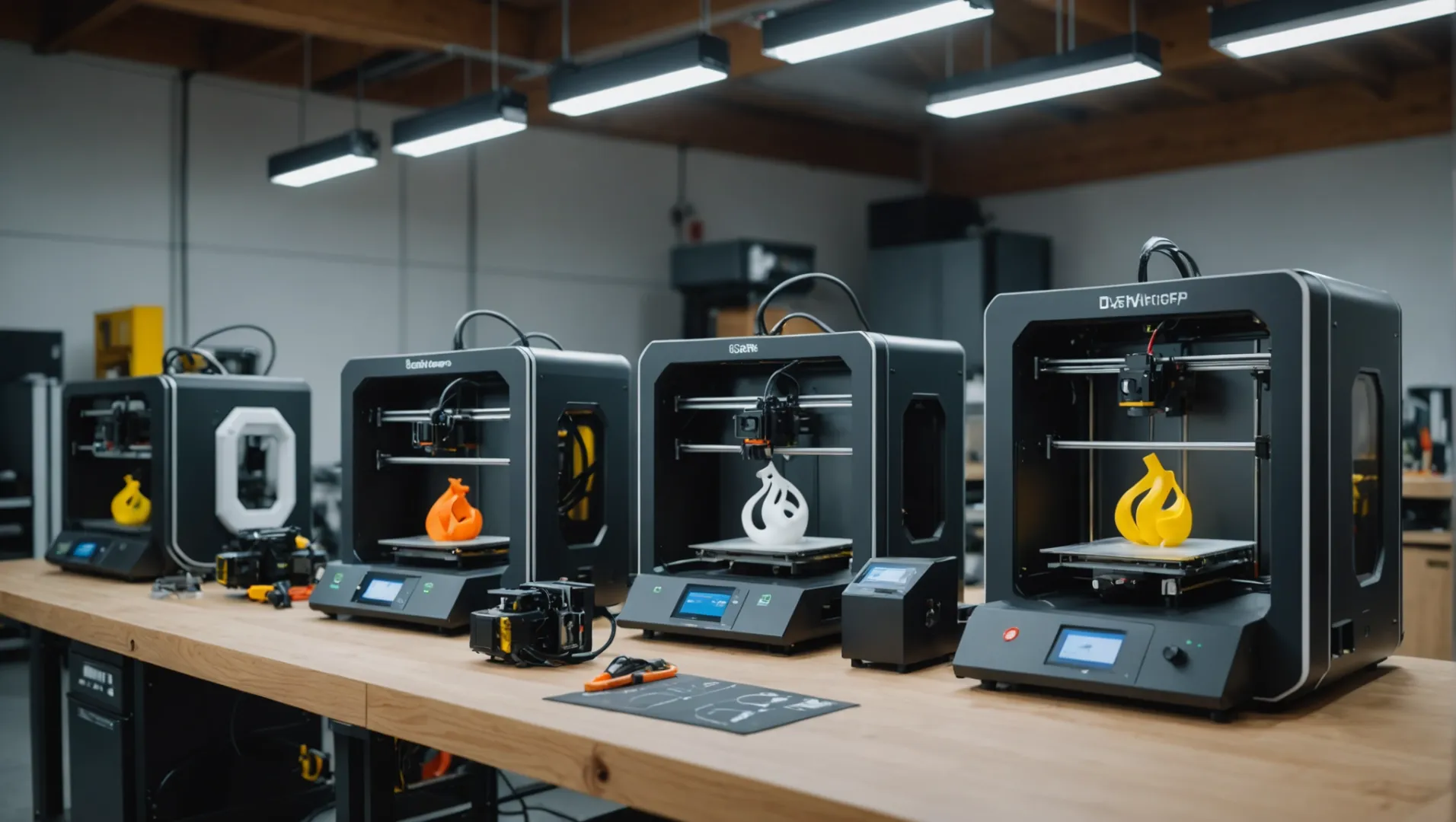
Tailoring Your Choice to Specific Uses
Understanding how you intend to use your 3D printer can significantly narrow down your options. If you’re a beginner or hobbyist1, an entry-level FDM (Fused Deposition Modeling) printer might suffice, offering ease of use and affordability. Conversely, professionals in design or manufacturing may require higher precision models like SLA (Stereolithography) printers to produce detailed prototypes.
For Educational Purposes
Educational settings often benefit from user-friendly, safe-to-use printers that can handle a variety of projects. For example, the Creality K1C is engineered with educators in mind, facilitating learning through interactive lessons.
In Professional and Industrial Contexts
Professionals might need printers capable of producing functional parts with high accuracy. Options like the Original Prusa MK4 or Bambu Lab P1S offer superior print quality and reliability for demanding environments.
The Importance of Print Quality and Precision
Print quality and precision are pivotal in applications where detail is paramount. For sectors such as jewelry design or dental modeling, an SLA printer provides the necessary resolution and surface finish that FDM printers might lack.
Functional Prototypes and Final Products
When creating functional prototypes, an SLS (Selective Laser Sintering) printer may be preferred for its ability to produce robust, intricate components directly from CAD data. These printers offer better material properties, making them ideal for industrial applications.
Matching Materials to Applications
Different applications require different materials. FDM printers typically use thermoplastics like PLA and ABS, suitable for basic prototyping and hobbyist projects. However, if your project demands more durability or flexibility, consider printers that support advanced materials such as PETG or flexible resins.
For applications in automotive or aerospace sectors, metal printing might be necessary, requiring a printer capable of handling metallic powders or filaments. This choice impacts not only the printer selection but also safety considerations and operational costs.
Budgeting Based on Intended Use
Your budget should reflect the complexity of your intended projects. Beginners can start with budget-friendly models under $300, while high-end professional setups can exceed several thousand dollars. Weighing initial costs against long-term benefits is crucial for businesses where the printer becomes a critical asset.
Additional Features to Consider
Look for features that enhance usability and efficiency based on your usage scenario. Auto-bed leveling, touchscreen interfaces, and Wi-Fi connectivity can greatly improve user experience, particularly for those new to 3D printing.
By aligning your 3D printer choice with your specific application needs, you ensure not only efficiency but also an optimized return on investment.
FDM printers are ideal for beginners and hobbyists.True
FDM printers offer ease of use and affordability, suitable for beginners.
SLA printers lack the precision needed for detailed prototypes.False
SLA printers provide high precision, ideal for detailed prototypes.
Why Is Print Quality and Precision Critical?
In the realm of 3D printing, print quality and precision are not just desirable—they’re crucial.
Print quality and precision are critical in 3D printing as they determine the accuracy and detail of the final product. High precision ensures that intricate designs are replicated accurately, while superior print quality enhances the aesthetic and functional aspects of the printed object.
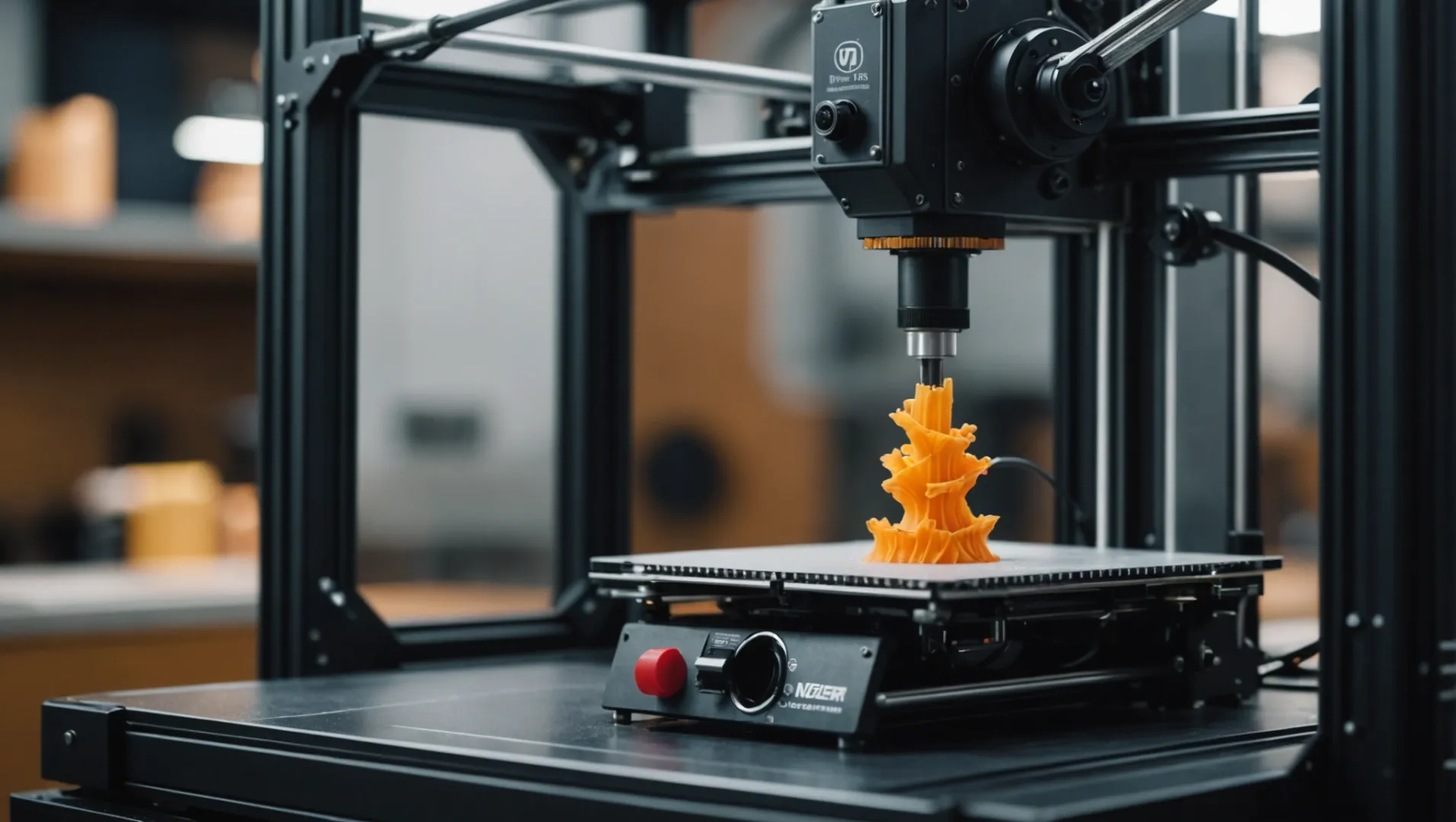
Understanding Print Quality and Precision
Print quality refers to how well a 3D printer can create a detailed and smooth surface finish. Precision, on the other hand, is about the accuracy of the printed dimensions compared to the original design. Both factors are essential for producing items that are not only visually appealing but also fit for functional purposes.
For instance, in medical prosthetics2, achieving a high degree of precision is vital to ensure that prosthetic parts fit perfectly to the human body. A small error in dimension could lead to discomfort or even render the prosthetic unusable.
Impact on Different Industries
- Medical Industry: As mentioned, precision is critical here for creating implants and prosthetics that need to match patient-specific dimensions.
- Engineering and Prototyping: Engineers rely on precise models to test form, fit, and function before committing to mass production.
- Aerospace: Components must be produced with exact precision to ensure safety and performance.
Comparing Different Printing Technologies
Different 3D printing technologies offer varying levels of print quality and precision:
| Technology | Print Quality | Precision |
|---|---|---|
| SLA | High | High |
| FDM | Moderate | Moderate |
| SLS | High | High |
Choosing the right technology depends on the specific requirements of your project. For example, SLA printers3 are preferred for their ability to produce fine details and smooth surfaces.
Key Considerations for Buyers
When purchasing a 3D printer, assess the following:
- Layer Resolution: This determines the level of detail possible. Smaller layer heights generally result in higher quality prints.
- Material Compatibility: Some materials require specific printers to achieve desired precision.
- Calibration and Maintenance: Regular calibration can maintain high print quality over time.
Evaluating these factors will help ensure that your chosen printer meets your project’s quality and precision needs.
SLA printers offer the highest print quality.True
SLA printers produce fine details and smooth surfaces.
FDM technology provides high precision prints.False
FDM offers moderate precision compared to SLA and SLS.
What Role Does Build Volume Play in Selecting a Printer?
Choosing the right build volume is crucial for meeting your printing needs effectively.
Build volume determines the maximum size of an object a 3D printer can create. Selecting the appropriate build volume ensures you can produce desired items without size limitations, affecting both project scope and printer choice.
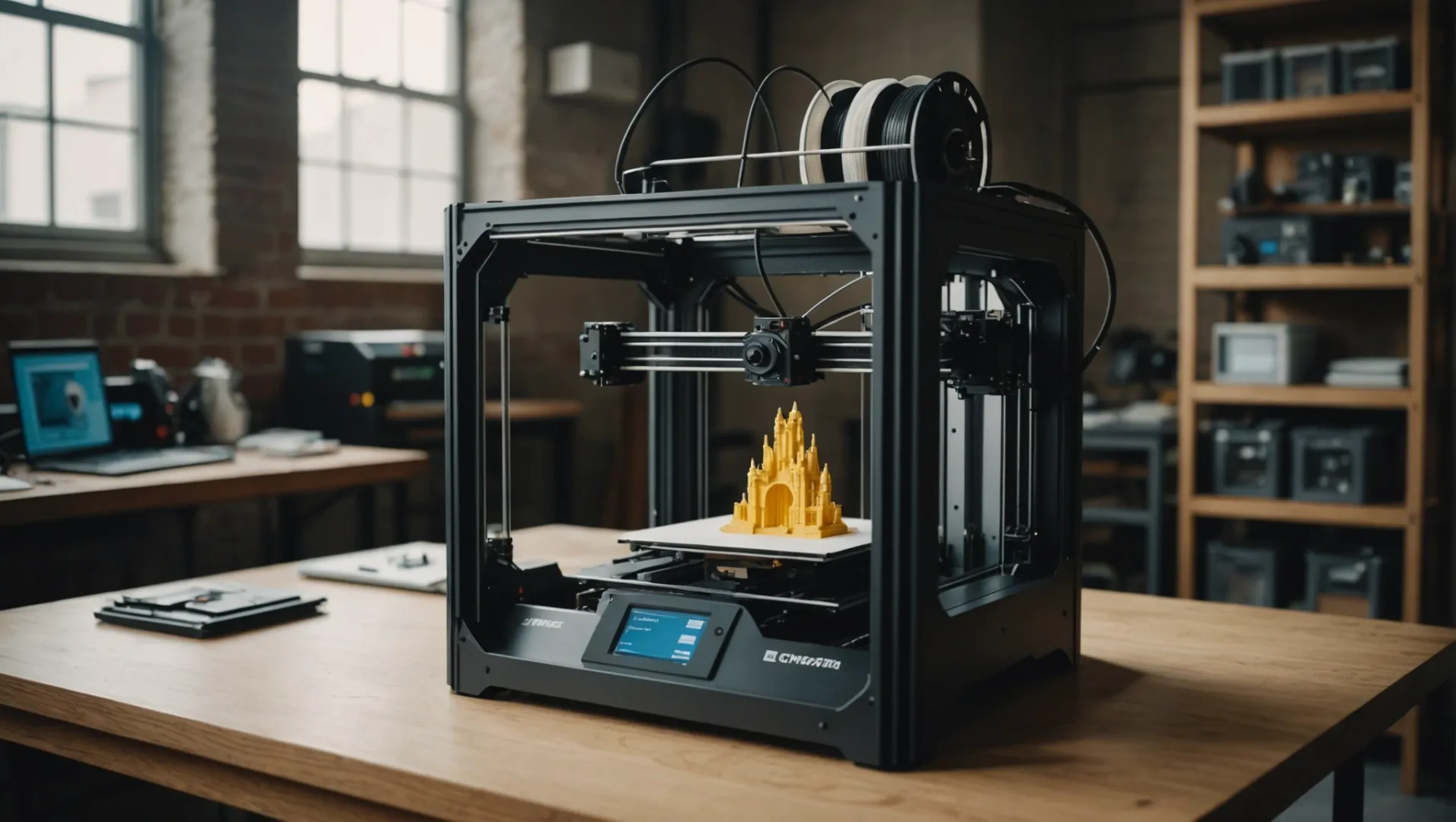
Understanding Build Volume
Build volume refers to the maximum dimensions (length, width, and height) that a 3D printer can produce in one print job. It is typically measured in cubic centimeters or inches. For instance, a printer with a build volume of 200 x 200 x 200 mm can print objects fitting within these dimensions. This specification is critical as it directly influences the size of the objects you can create.
Matching Build Volume to Project Requirements
When selecting a 3D printer, aligning the build volume with your project requirements is essential. For small-scale projects like jewelry or miniatures, a smaller build volume may suffice. Conversely, larger projects like architectural models or furniture components require a printer with a larger build volume.
Consider whether you’ll be printing single large objects or multiple smaller items simultaneously. A larger build volume allows for more flexibility, enabling you to print several pieces at once, which can enhance productivity and reduce time.
Impact on Cost and Space
A printer with a larger build volume often comes at a higher cost due to the increased material and engineering required. Moreover, these printers usually occupy more space, which might be a constraint in smaller workspaces. Therefore, it’s crucial to balance the need for a large build volume with available budget and space considerations.
Example: Desktop vs. Industrial Printers
Let’s compare two types of printers based on build volume:
| Type | Build Volume | Use Case |
|---|---|---|
| Desktop Printer | 150 x 150 x 150 mm | Suitable for hobbyists or small-scale tasks |
| Industrial Printer | 500 x 500 x 500 mm | Ideal for large-scale or commercial use |
As illustrated, choosing between a desktop and an industrial printer largely depends on the scale of your projects and available workspace.
Future-Proofing Your Choice
When investing in a 3D printer, consider potential future projects. If you anticipate needing to print larger items down the line, opting for a printer with a larger build volume might be beneficial even if your current needs are modest. This foresight can save you from needing to upgrade too soon.
Explore various models and consider how project requirements4 and budget constraints interplay with build volume specifications. Evaluating these aspects will help ensure that your choice supports both current and future printing endeavors.
Larger build volume increases printer cost.True
A larger build volume requires more materials and engineering, raising costs.
Smaller printers are better for large-scale projects.False
Large-scale projects require printers with larger build volumes to accommodate size.
How Important Is Material Compatibility in a 3D Printer?
Selecting the right material for your 3D printer is pivotal for successful and durable prints.
Material compatibility in 3D printing is crucial because it affects print quality, structural integrity, and application suitability. Different materials require specific printer settings, and not all printers can handle all materials. Ensuring compatibility between the material and printer prevents print failures and optimizes performance.
Understanding Material Types and Their Applications
In 3D printing, selecting the right material is as important as choosing the printer itself. Different materials serve different purposes, impacting factors like strength, flexibility, and aesthetics. Common materials include PLA, ABS, PETG, and TPU, each with unique characteristics.
-
PLA (Polylactic Acid): This is a biodegradable material derived from renewable resources like corn starch. It’s ideal for beginners due to its ease of use and minimal warping. PLA is perfect for prototypes and decorative items but not suited for high-temperature applications.
-
ABS (Acrylonitrile Butadiene Styrene): Known for its strength and durability, ABS is excellent for functional parts. It requires higher temperatures and a heated bed to prevent warping. ABS emits fumes during printing, so a well-ventilated area is necessary.
-
PETG (Polyethylene Terephthalate Glycol): Combining the best aspects of PLA and ABS, PETG offers flexibility, strength, and chemical resistance. It’s a preferred choice for containers and mechanical parts.
-
TPU (Thermoplastic Polyurethane): This flexible filament is ideal for parts that require elasticity, such as gaskets or wearable items.
Printer Specifications and Material Compatibility
Not all printers are compatible with every material. Factors such as nozzle temperature, bed temperature, and the presence of an enclosed build chamber can determine what materials a printer can handle.
| Material | Nozzle Temp (°C) | Bed Temp (°C) | Enclosure Needed |
|---|---|---|---|
| PLA | 180-220 | 20-60 | No |
| ABS | 210-250 | 80-110 | Yes |
| PETG | 220-250 | 70-90 | Optional |
| TPU | 220-250 | 0-60 | No |
The Impact on Print Quality and Performance
Using the right material enhances print quality by ensuring proper adhesion and layer consistency. For example, using ABS without an enclosure can lead to warping and poor layer adhesion due to temperature fluctuations. Understanding the impact of material properties5 on print quality helps in achieving the desired outcome.
Compatibility also extends to post-processing. Some materials are easier to sand, paint, or glue than others, affecting the final appearance and functionality of the printed object.
Material Costs and Availability
Cost is another factor influencing material choice. Some specialized filaments may be more expensive or harder to source. Consider availability when selecting materials to ensure consistent supply.
Future-Proofing Your 3D Printing Setup
As technology evolves, new materials are continuously developed. Choosing a printer with versatile material compatibility can future-proof your setup, allowing you to experiment with new filaments as they become available.
In conclusion, understanding material compatibility in a 3D printer is essential for optimizing print quality and meeting specific project requirements. Always check your printer’s specifications against material needs to ensure compatibility and success.
PLA is suitable for high-temperature applications.False
PLA is not suitable for high temperatures due to low heat resistance.
ABS requires a heated bed for successful printing.True
ABS needs a heated bed to prevent warping during printing.
Conclusion
By understanding these factors, you can confidently select a 3D printer that meets your needs. Remember to evaluate options carefully for an informed purchase.
-
Explore beginner-friendly models perfect for hobbyists.: Ended 3 v2 is still my goto recommendation for a low budget printer. However I also suggest you get a CR Touch and a magnetic PEI sheet for it. ↩
-
Discover how precision impacts prosthetic design and patient comfort.: A well-fitted prosthetic limb can have a huge positive impact on improving quality of life and patient care. Quality of life has been shown to … ↩
-
Learn why SLA printers excel in producing fine details.: Pros: High-Quality Prints: This produces high-quality prints with smooth surfaces and intricate details. This makes it ideal for creating … ↩
-
Discover tips for aligning build volume with your specific project needs.: After looking at the Creality cr-10, it seemed like it might be a good idea to extend the z-height to 400mm or even 450mm. Does this seem excessive? ↩
-
Discover how material properties directly affect print outcomes.: The results showed that the specimens of raster angle 0° and 90° showed least tensile strength. Printing patterns also play and important role in determining … ↩