

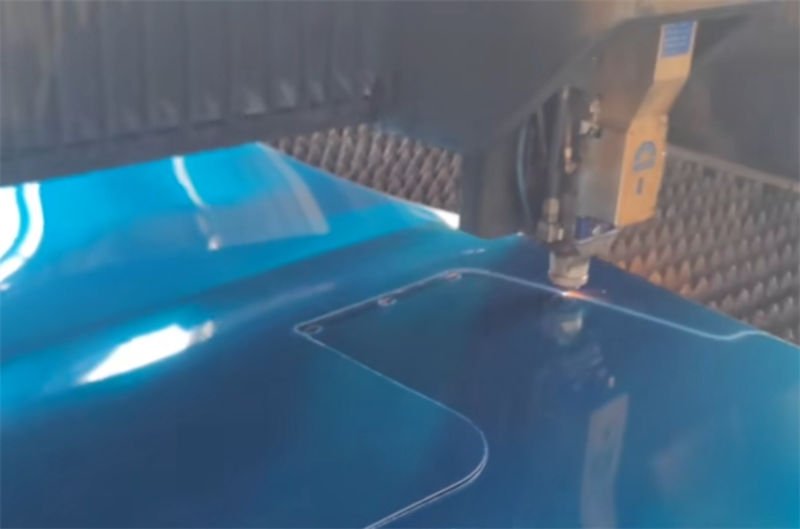
Cutting film-covered sheet metals can feel like walking a tightrope between precision and protection. Let’s dive into how we can achieve the best results together.
To cut film-covered sheet metals effectively, use a mirrored cutting diagram and laser cutting to prevent damage to the protective film. This ensures clean cuts and minimizes errors caused by laser positioning and sheet deformation.
While those initial steps set the stage, let’s explore specific techniques that can elevate your cutting game. Trust me, the details matter!
Mirrored cutting diagrams prevent laser misalignment.True
Mirrored diagrams help align the laser, ensuring accurate cuts.
How Can You Minimize Errors in Laser Cutting?
Laser cutting requires precision to avoid errors that can lead to costly mistakes or material wastage. Understanding and implementing effective strategies is key to achieving optimal results.
Minimizing errors in laser cutting involves using mirrored diagrams for alignment, adjusting laser parameters, and ensuring proper film removal techniques. These methods prevent burrs, scratches, and misalignment, enhancing the quality of the cut.
Utilizing Mirrored Cutting Diagrams
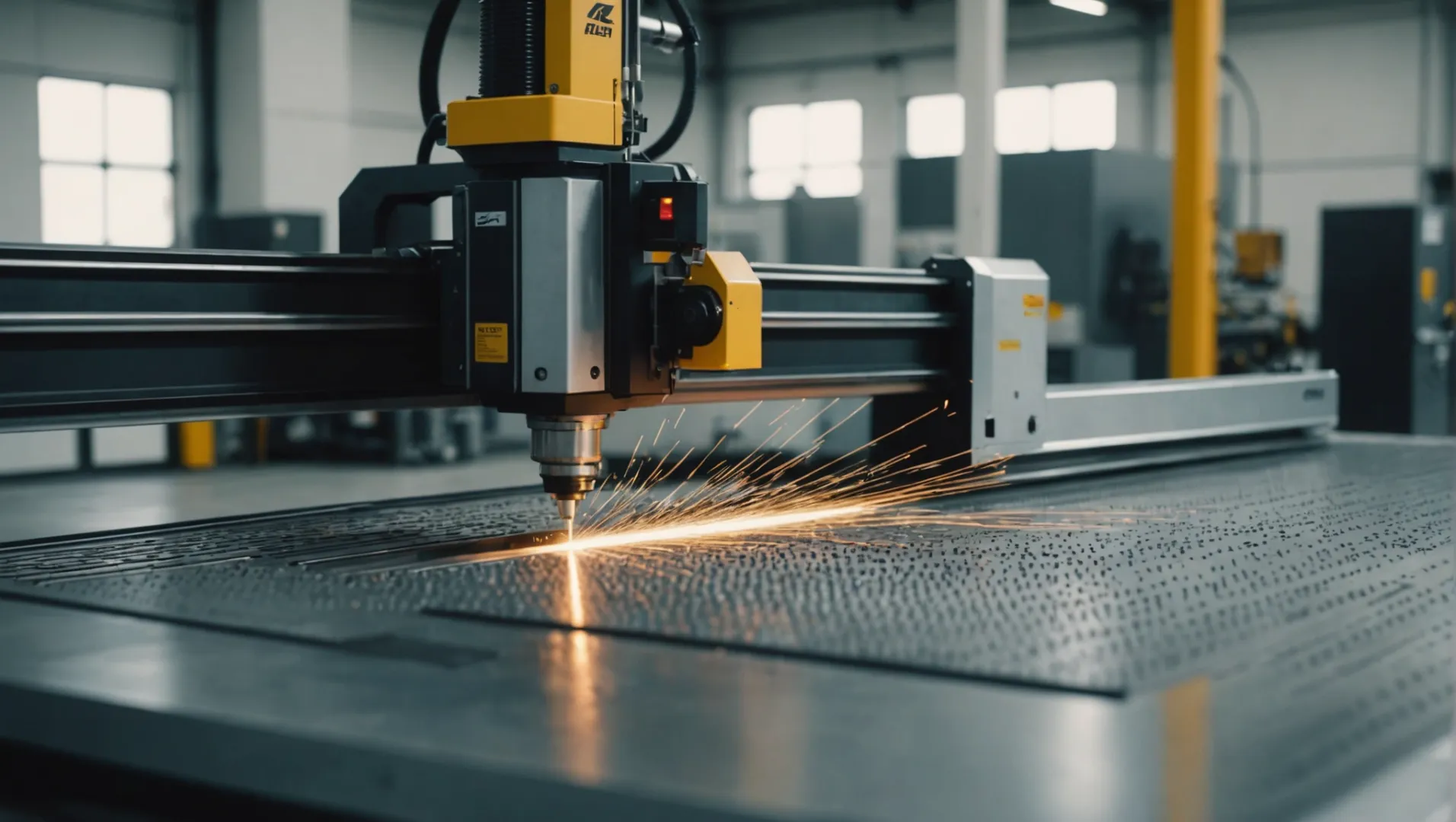
A fundamental method to reduce errors in laser cutting is the use of mirrored cutting diagrams. This technique involves creating a reverse image of your primary cutting design, which assists in aligning the laser precisely and ensuring that both sides of a coated metal sheet are correctly processed. By starting with a mirrored design, you establish a reference that helps mitigate issues related to laser positioning errors and sheet deformations.
Adjusting Laser Parameters
Adjusting the laser’s power, speed, and focus can significantly impact the quality of the cut. If you notice discrepancies such as burrs or discoloration on the metal surface, tweaking these settings can help. For instance, increasing the power might help in achieving smoother edges, while altering the speed could prevent overheating and discoloration.
| Parameter | Effect on Cutting |
|---|---|
| Power | Affects edge smoothness and depth of cut |
| Speed | Influences cut precision and heat impact |
| Focus | Determines cut width and quality |
Adjust these parameters based on the type of material and thickness to optimize the cutting process.
Proper Film Removal Techniques
When dealing with film-covered metals, it’s crucial to remove the film accurately without damaging the metal underneath. Begin by etching lines where the film should be removed according to your mirrored diagram. Peel the film gently to avoid stretching or tearing it, which could lead to alignment issues during cutting.
For low-adhesive films on materials like stainless steel, consider using an evaporation method by adjusting the cutting height and focus inward. This allows precise control over the area where the film is removed, reducing bubbling and improving processing quality.
Joining a Metalworking Community
Engaging with a community of technicians can provide valuable insights and support. Sharing experiences and learning from others can enhance your understanding of laser cutting nuances. Consider joining online forums or local groups dedicated to laser cutting expertise.
For those interested in connecting with peers, joining a metalworking community1 can be beneficial. Such communities offer a platform for exchanging tips, troubleshooting issues, and staying updated with industry trends.
Mirrored diagrams reduce laser cutting errors.True
Mirrored diagrams help align lasers precisely, reducing positioning errors.
Increasing laser power decreases edge smoothness.False
Increasing power generally improves edge smoothness by ensuring cleaner cuts.
What Are the Best Practices for Preparing Cutting Diagrams?
Preparing cutting diagrams is crucial for precision and efficiency in any cutting process.
Best practices for preparing cutting diagrams include using mirrored diagrams for accuracy, calculating offsets to adjust for laser errors, and strategically arranging layouts to ensure clean cuts and minimize material waste.
Understanding Cutting Diagrams
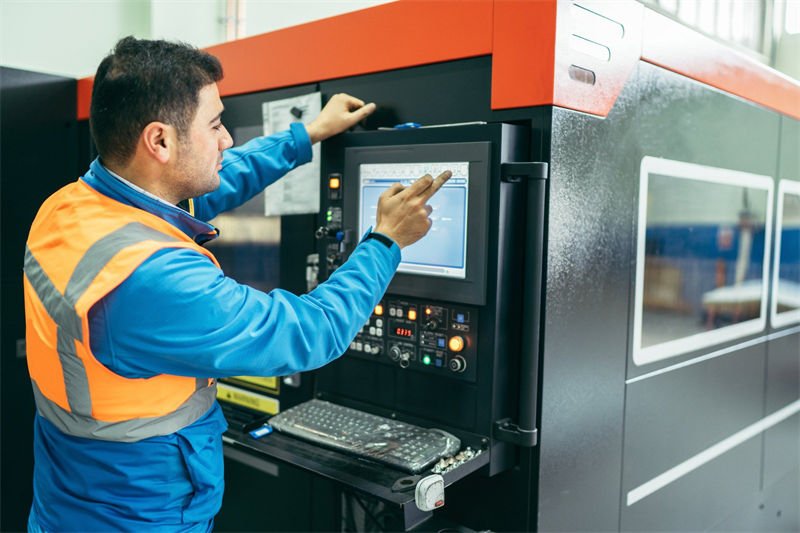
Cutting diagrams are blueprints used in various industries to guide the cutting of materials such as metal sheets, wood, and textiles. These diagrams ensure efficient use of materials and precise cuts, which are vital for maintaining quality and reducing waste.
A well-prepared cutting diagram not only saves time and resources but also ensures the final product meets the desired specifications.
Mirrored Cutting Diagrams
Creating a mirrored cutting diagram is a best practice, particularly when dealing with double-sided laminated sheets. By mirroring the actual cutting diagram, you can generate an auxiliary diagram that assists in aligning and etching processes on the protective film. This technique is essential for maintaining the integrity of both sides of the material.
For instance, consider a scenario where you are working with a symmetrical design. A mirrored diagram allows you to:
- Ensure Symmetrical Accuracy: Both sides of the sheet align perfectly after cutting.
- Prevent Material Damage: Protect the non-cut side from accidental nicks or scratches.
Calculating Offsets and Peeling Positions
Offsets account for discrepancies in laser positioning or material deformation. When preparing your cutting diagram:
- Calculate Maximum Offset: Determine how much deviation can occur without compromising the design.
- Position Peeling Areas Accurately: Ensure the protective film is peeled correctly to avoid unnecessary exposure of sensitive parts during laser cutting.
Using precise calculations helps in minimizing potential errors, which can lead to material wastage or rework.
Layout Arrangement Strategies
Proper arrangement of cutting diagrams is another critical practice. Here are some strategies:
- Use Auxiliary Diagrams First: Begin with etching lines to map out where protective films need removal before the actual cut.
- Optimize Space Utilization: Arrange parts to minimize material waste, similar to fitting puzzle pieces together.
Here’s an example layout strategy in table format:
| Part | Original Diagram | Mirrored Diagram |
|---|---|---|
| A | Centered | Mirrored Left |
| B | Right Aligned | Mirrored Right |
| C | Bottom | Mirrored Top |
Additional Considerations
To further enhance your cutting diagram preparation:
- Parameter Adjustments: Modify laser settings based on material type and thickness to achieve optimal cuts.
- Join Communities: Engage with industry professionals who share their experiences and best practices. Joining a community can provide insights into new techniques or equipment improvements.
By adopting these best practices for preparing cutting diagrams, you can significantly improve the quality and efficiency of your cutting processes. This ensures high-quality outcomes while reducing material waste and operational costs.
Mirrored diagrams prevent material damage.True
Mirrored diagrams align both sides, protecting the non-cut side from damage.
Offset calculations are unnecessary for laser cutting.False
Offsets account for laser discrepancies, preventing design compromise.
How to Adjust Parameters for Optimal Cutting?
Adjusting cutting parameters is crucial for achieving precision and avoiding material damage in laser cutting.
For optimal cutting results, adjust laser parameters such as power, speed, and focus. Start with standard settings and fine-tune based on material type and thickness to minimize errors and improve cut quality.
Understanding Key Laser Parameters
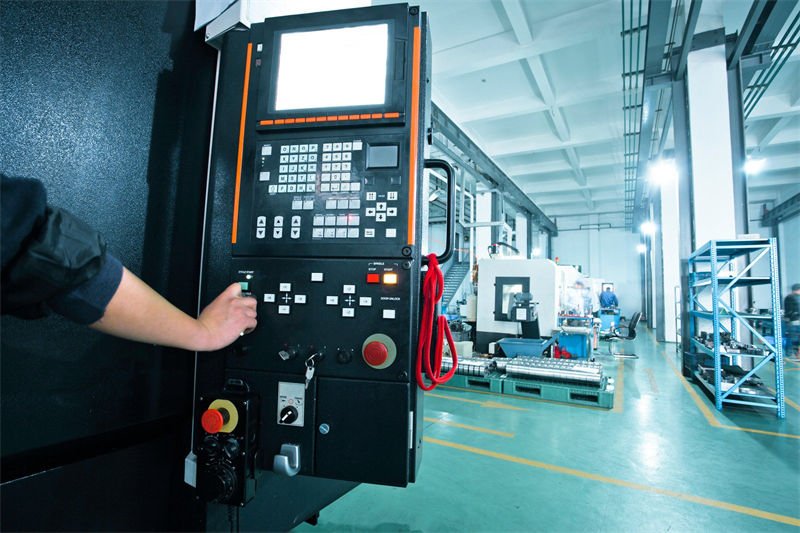
Laser cutting involves several key parameters: power, speed, and focus. Power determines the laser’s intensity, affecting the depth and quality of the cut. A higher power is generally used for thicker materials, while lower power prevents overheating and warping in thinner sheets.
Speed dictates how quickly the laser moves along the cutting path. Slower speeds allow more time for cutting through tougher materials, but may cause excess heat buildup. Conversely, faster speeds can enhance productivity but may lead to incomplete cuts if too high.
Focus refers to the laser beam’s convergence point, crucial for precision. A properly focused beam results in cleaner edges and less kerf. The focus should be adjusted based on the material’s thickness and desired cut quality.
Practical Tips for Parameter Adjustment
- Starting Values: Begin with recommended settings from your laser cutter’s manual. These act as baseline parameters suitable for most standard materials.
- Material Considerations: Different materials react uniquely to laser cutting. For instance, metals with low thermal conductivity may require lower power settings.
- Trial and Error: Conduct test cuts on scrap pieces to fine-tune settings. Adjust one parameter at a time to isolate its effect.
Common Challenges and Solutions
Dealing with Burrs and Rough Edges
- Solution: Increase speed or decrease power slightly to prevent excessive melting and rough edges.
Achieving Clean Corners
- Solution: Use corner correction settings if available. Alternatively, reduce speed near corners to enhance precision.
Advanced Techniques for Professional Results
- Dynamic Power Scaling: Adjust power dynamically based on cutting speed. This technique helps maintain consistent cut quality across varying shapes and sizes.
- Pulse Frequency Adjustment: For materials prone to thermal damage, adjust the pulse frequency to reduce heat exposure time per area.
Monitoring and Feedback Systems
Modern laser cutters often feature monitoring systems that provide real-time feedback on cutting conditions. Utilizing these systems can help adjust parameters proactively:
| Parameter | Monitoring Feature | Benefits |
|---|---|---|
| Power | Laser power meters | Ensures consistent output |
| Speed | Motion control systems | Maintains precise path tracking |
| Focus | Autofocus adjustments | Adapts to material variations |
By understanding and effectively managing these parameters, you can significantly improve your laser cutting outcomes. Explore more about optimizing laser settings2 to elevate your metalworking projects.
Higher laser power is ideal for thinner materials.False
Higher power is generally used for thicker materials to cut through.
Laser focus adjustment affects edge cleanliness.True
Proper focus results in cleaner edges and less kerf during cutting.
Why Join a Metalworking Community?
Discover the benefits of joining a metalworking community and enhance your skills through shared knowledge and resources.
Joining a metalworking community provides access to shared knowledge, resources, and networking opportunities. It fosters skill development, troubleshooting support, and staying updated on industry trends.

Benefits of Shared Knowledge
One of the primary reasons to join a metalworking community is the wealth of shared knowledge and experience3. Whether you’re dealing with complex processes like laser cutting or basic techniques, these communities offer a platform to learn from seasoned professionals and hobbyists alike. Members often share tips, tutorials, and troubleshooting advice that can save you time and reduce costly errors.
Access to Resources
Another advantage is the access to a variety of resources4. Many communities provide members with tutorials, guides, and even exclusive discounts on tools and materials. This can be particularly beneficial for those just starting in metalworking or those looking to expand their capabilities without significant financial investment.
Networking Opportunities
Networking is crucial in any field, and metalworking is no exception. By joining a community, you can connect with other professionals who may provide insights into job opportunities, collaborative projects, or even mentorship. This can significantly enhance your career prospects and open up new avenues for growth.
Staying Updated on Industry Trends
The metalworking industry is constantly evolving, with new technologies and techniques emerging regularly. Being part of a community helps you stay abreast of the latest trends and innovations5, ensuring that your skills remain relevant and competitive. Regular discussions and workshops within the community can provide firsthand insights into these developments.
Table: Key Benefits of Metalworking Communities
| Benefit | Description |
|---|---|
| Shared Knowledge | Learn from collective experiences |
| Access to Resources | Exclusive tutorials and discounts |
| Networking Opportunities | Connect with industry professionals |
| Staying Updated on Trends | Insights into new technologies |
By joining a metalworking community, you’re not just enhancing your skills; you’re investing in your future within the industry.
Joining a metalworking community enhances skill development.True
Communities offer shared knowledge and resources, improving skills.
Metalworking communities rarely provide networking opportunities.False
They offer significant networking, connecting professionals for growth.
Conclusion
By implementing these techniques, you’ll not only ensure precision but also enhance your craftsmanship. Keep pushing your skills further in metalworking!
-
Connects you with peers for tips and troubleshooting advice.: The communities give members access to top metalworking industry events. Members can use metalworking and machining associations to keep up-to-date with … ↩
-
Learn advanced techniques to enhance your laser cutting precision.: The right combination of settings for power, PPI, and speed will result in a successful cut. Knowledge of how the laser parameters affect laser- … ↩
-
Explore various experiences shared by experts for practical insights.: Information from formal research and shop floor measurements can help metal formers and the supply chain. Knowledge sharing is important. ↩
-
Discover tutorials and discounts available for community members.: Find out how to get started with 15 metalworking for beginners videos. Learn fabrication technique, metalworking basics, tools, and more at Online Metals. ↩
-
Stay informed about new technologies shaping the industry.: Metalworking trends like sustainability, diversification, and automation are becoming increasingly important to stability and resiliency. ↩