

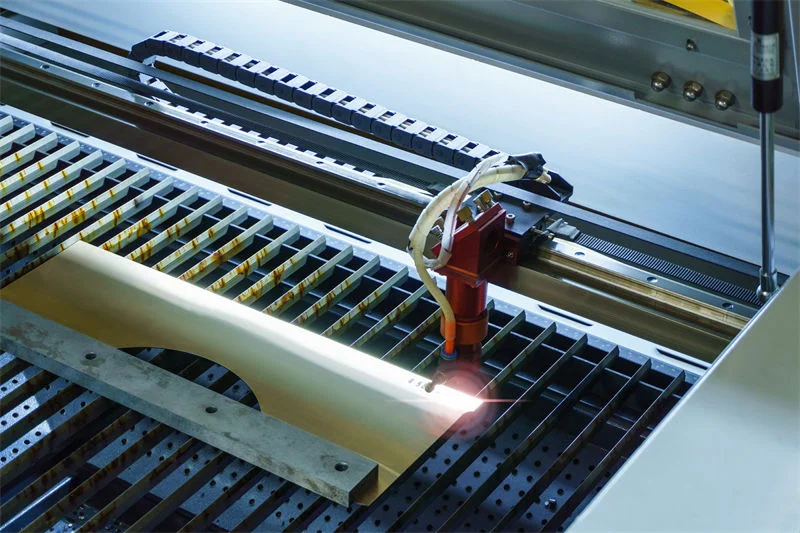
Have you ever wondered if one machine can truly do it all? Laser cutters are like magic wands for creators and makers alike, offering the ability to cut and engrave with precision. But just how well do they handle both tasks?
Yes, most laser cutters can perform both cutting and engraving by adjusting the machine settings, such as power and speed, to suit the specific material and desired outcome.
Understanding how these incredible machines manage both functions can elevate your crafting game. Let’s dive into the fascinating world of laser technology!
Laser cutters can only cut, not engrave.False
Laser cutters can both cut and engrave by adjusting settings.
What Are the Key Differences Between Cutting and Engraving?
Cutting and engraving may appear similar but serve distinct purposes, employing unique techniques and settings to achieve desired results.
Cutting involves slicing through materials, while engraving creates surface patterns. The main differences lie in power, speed, and focus settings, tailored to the material and design requirements.
Principle of Cutting vs. Engraving
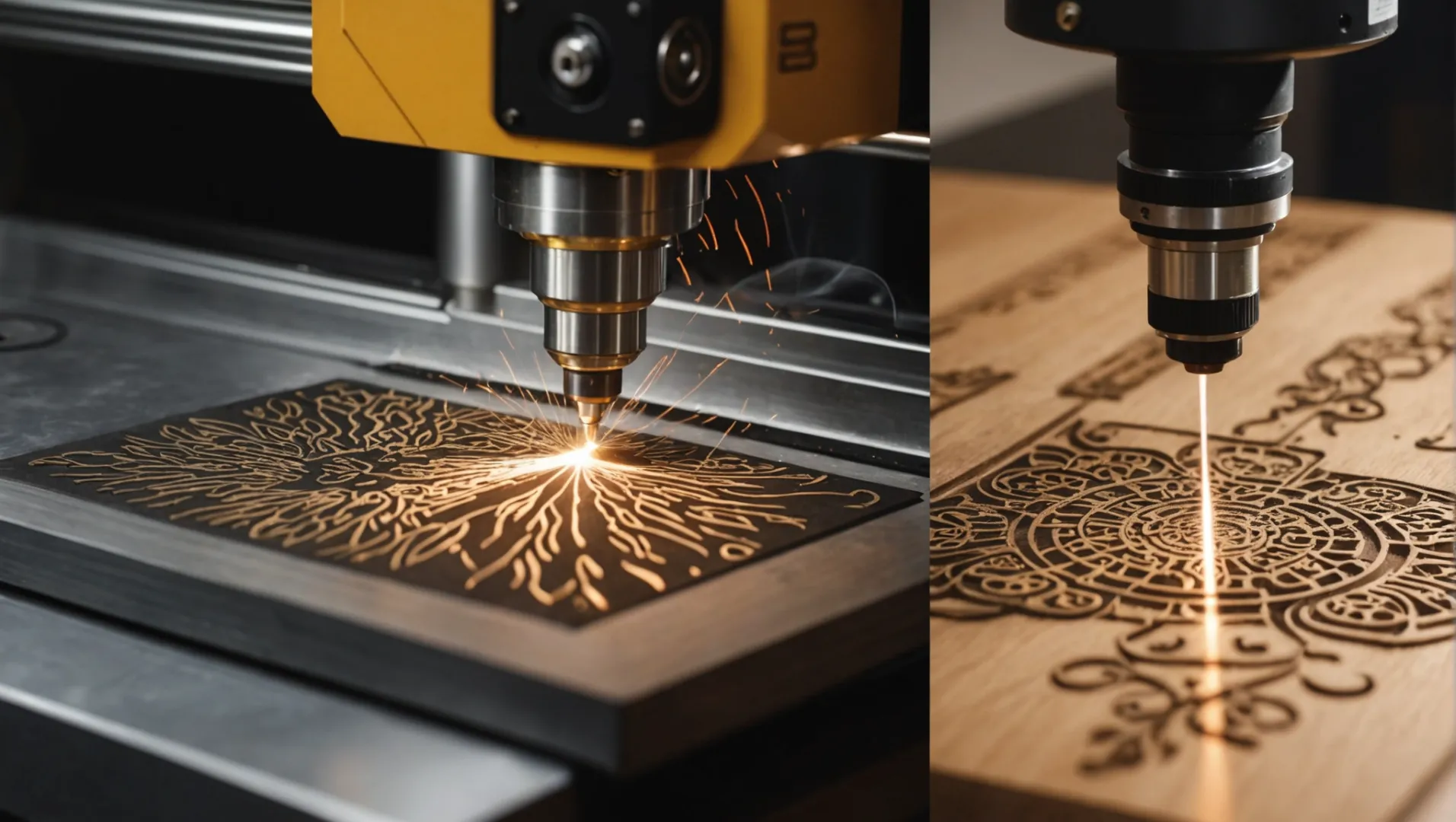
Cutting and engraving use laser technology but differ fundamentally in execution.
-
Cutting: Here, a laser focuses high-energy density on the material, melting or vaporizing it along a precise path. This method separates the material into parts, ideal for creating distinct shapes or outlines. For example, cutting metal requires a laser that can heat the metal to its melting point, utilizing high-pressure gas to clear away molten debris.
-
Engraving: This technique removes a thin layer from the material’s surface to create detailed patterns or text. The laser’s energy causes the surface to vaporize or chemically alter, leaving a permanent mark. When engraving wood, the laser burns the surface, forming intricate designs.
Material Considerations
Both functions rely on material properties but with different requirements:
| Material Type | Cutting Needs | Engraving Needs |
|---|---|---|
| Metals | High-power lasers like fiber lasers | Precision focus for shallow marks |
| Non-Metals | CO2 lasers suit acrylic or wood | Can engrave glass, stone, and leather |
While cutting metal1 demands powerful lasers, engraving is feasible across diverse materials, including softer ones like leather or porous stones.
Machine Settings: Power, Speed, and Focus
-
Power and Speed
- Cutting: Requires high power and varied speeds based on material thickness. For instance, thick metal plates need slow speeds for clean cuts.
- Engraving: Involves lower power and speed adjustments to capture detail without deep penetration. Fine text engraving uses slow speeds for precision.
-
Focus Adjustments
- Cutting: Focused at a depth within the material for straight cuts.
- Engraving: May adjust closer to the surface for shallow engravings, adapting to material characteristics.
These settings are crucial for achieving desired results efficiently, reflecting the diverse applications2 of laser cutters across industries.
Cutting uses higher laser power than engraving.True
Cutting requires high energy to slice through materials, unlike engraving.
Engraving is unsuitable for non-metal materials like wood.False
Engraving can be done on wood, creating detailed surface patterns.
How Do Material Types Affect Cutting and Engraving?
The choice of material significantly impacts the effectiveness and quality of laser cutting and engraving, requiring tailored settings and equipment.
Material types influence laser cutting and engraving outcomes by dictating the necessary power, speed, and type of laser used. Metals demand high power for cutting, while non-metals like wood and acrylic require specific wavelengths for precise engraving. Proper adjustment ensures optimal results for each material.
Understanding Material Properties
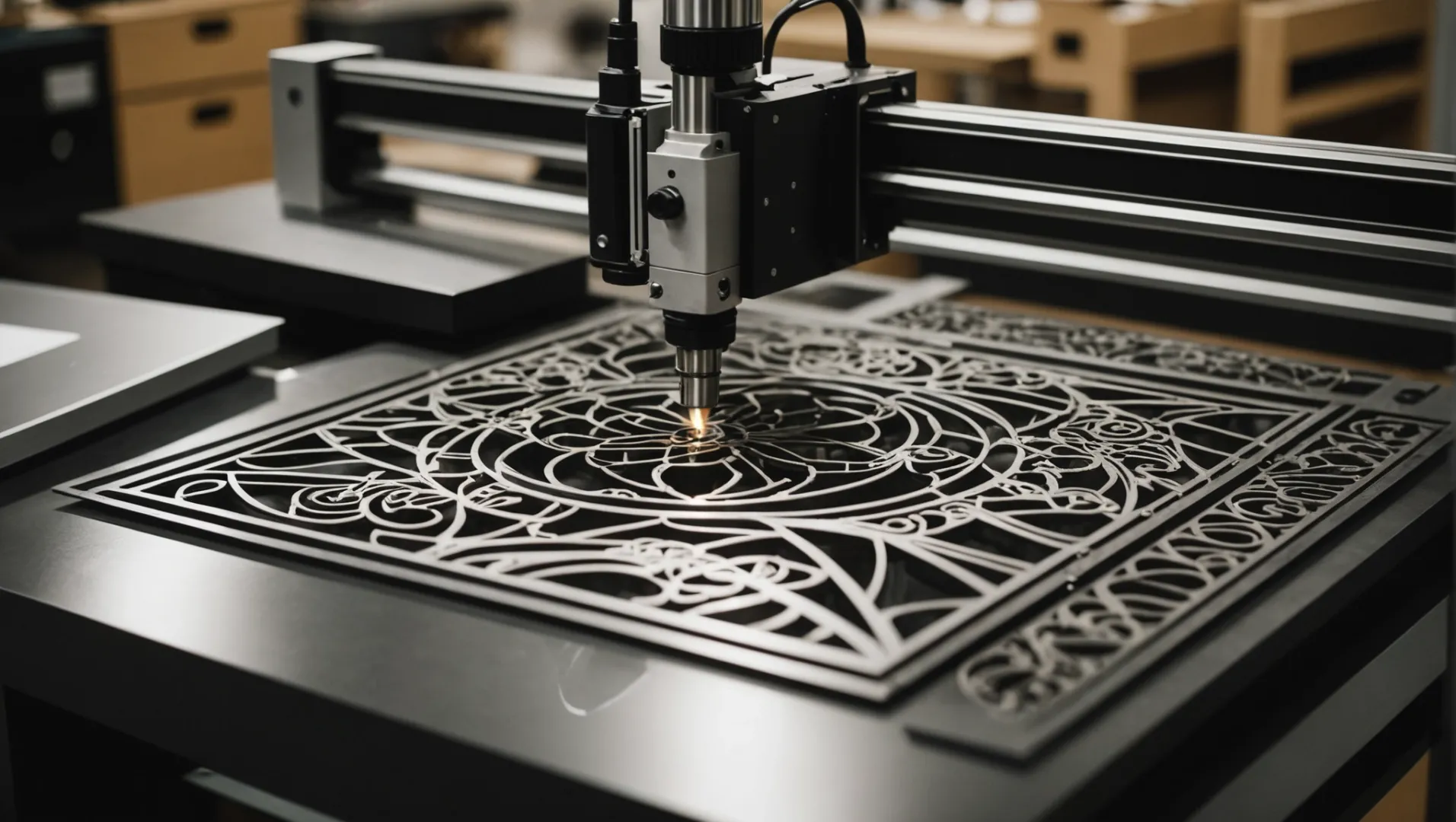
The nature of a material—be it metal, plastic, wood, or glass—affects how it interacts with laser technology. Each material possesses unique characteristics such as hardness, melting point, and porosity, which play critical roles in determining the appropriate laser settings.
For instance, metals like steel3 and aluminum require high power to achieve a clean cut due to their density and melting points. In contrast, softer materials like wood can be cut with lower power settings but demand careful control to prevent charring during engraving.
Metal vs. Non-Metal
Metals:
-
Cutting: Metals necessitate powerful lasers, often fiber lasers, capable of achieving high temperatures to melt and displace the material.
-
Engraving: Although possible, engraving on metals requires precision to ensure the depth is consistent without compromising structural integrity.
Non-Metals:
-
Cutting: Materials like acrylic and plastic benefit from CO2 lasers that match their absorption spectrum, allowing for smooth edges without discoloration.
-
Engraving: Non-metals are more versatile in engraving applications. Wood and leather, for example, allow deeper engravings but require adjustments in speed to avoid burning.
Tailoring Laser Settings to Material
| Material | Laser Type | Power Setting | Speed Setting |
|---|---|---|---|
| Steel | Fiber | High | Slow |
| Acrylic | CO2 | Medium | Medium |
| Wood | CO2 | Low | Slow |
| Glass | CO2 | Low | Very Slow |
The table above illustrates typical settings for various materials. However, specific outcomes may vary based on additional factors such as material thickness and desired finish.
Challenges and Considerations
Engraving on Hard Materials: Engraving on hard surfaces like stone or glass necessitates lower speeds to avoid cracking while maintaining clarity.
Cutting with Precision: Achieving clean cuts in thick materials demands balancing laser power with cutting speed to minimize thermal damage.
In conclusion, understanding the material’s properties4 and adjusting the machine’s settings accordingly ensures the successful application of laser technology across diverse materials.
Metals require high power lasers for cutting.True
Metals' density and melting points necessitate high power for clean cuts.
Acrylic needs fiber lasers for effective cutting.False
Acrylic benefits from CO2 lasers matching its absorption spectrum.
What Machine Settings Optimize Cutting and Engraving?
Optimizing laser cutter settings is crucial for achieving precise cuts and detailed engravings. But what settings should you focus on?
To optimize cutting and engraving, adjust the laser’s power, speed, and focus based on the material type and desired outcome. High power and slower speeds are ideal for cutting, while lower power and precise focus enhance engraving details.
Understanding Power and Speed Settings
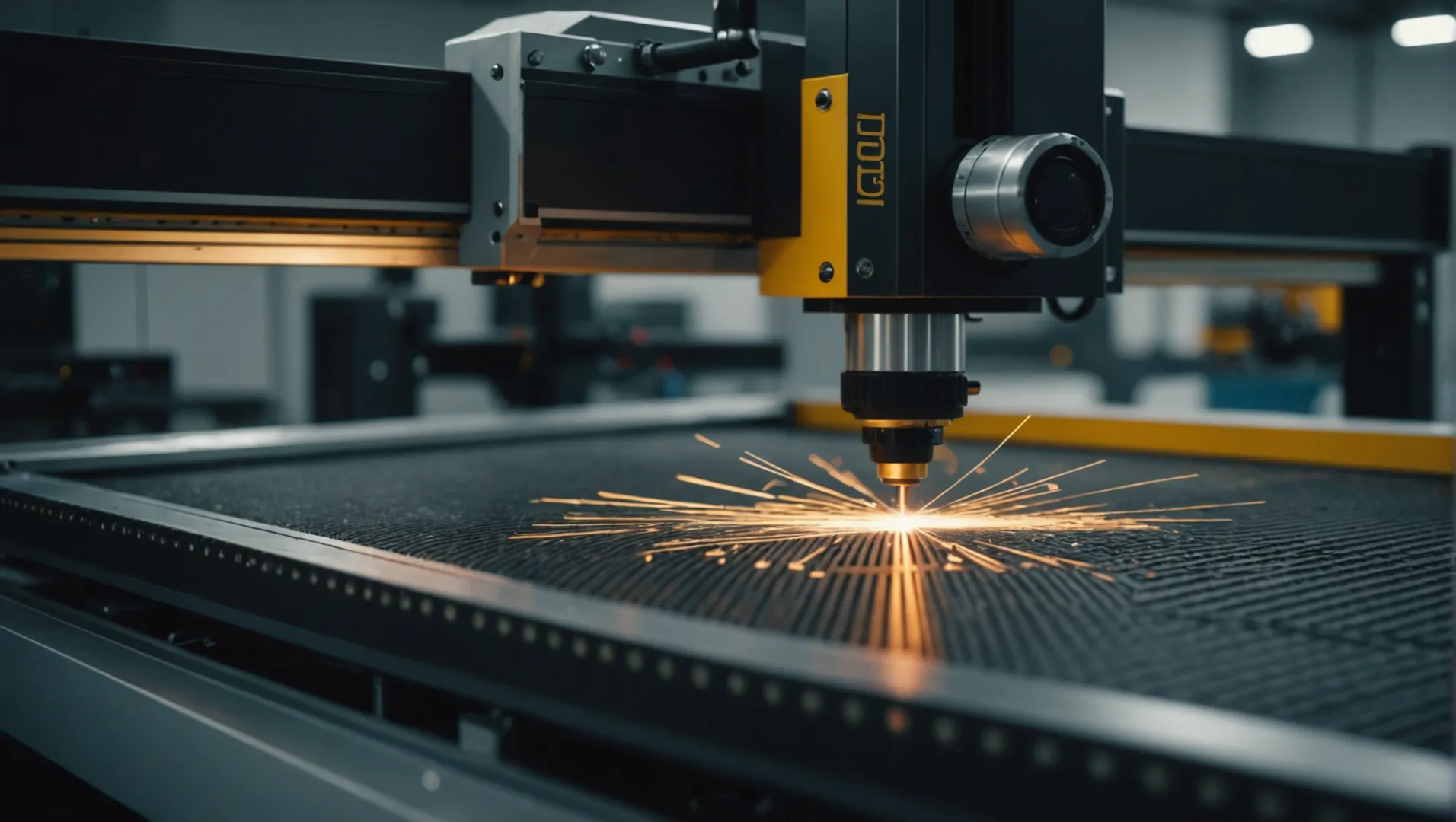
When it comes to laser cutting and engraving, the balance between power and speed is paramount. For cutting, higher power settings are necessary to ensure complete penetration through the material. However, too much power can lead to excessive melting or burning, especially in sensitive materials like acrylic.
- Cutting: High power combined with slower speeds provides cleaner cuts for thicker materials like metals. For example, a 150-watt laser might require a speed setting of 10 mm/s to cut through a 10mm thick steel sheet effectively.
- Engraving: Lower power settings with slower speeds allow for detailed engravings. A 60-watt laser at 50 mm/s could be ideal for engraving intricate designs on wood, ensuring the details are sharp without burning the material.
Table: Example Power and Speed Settings
| Material | Cutting Power | Cutting Speed | Engraving Power | Engraving Speed |
|---|---|---|---|---|
| Steel | High | Slow | Low | Moderate |
| Acrylic | Moderate | Moderate | Low | Slow |
| Wood | High | Slow | Low | Slow |
Adjusting Focus for Precision
The focus of the laser is another critical setting that impacts both cutting and engraving quality. Proper focusing ensures that the laser’s energy is concentrated at the precise point required.
- For Cutting: The focus should be set slightly below the surface of the material to maintain a straight cut. This is particularly important for thicker materials where a uniform cut edge is necessary.
- For Engraving: The focus might need adjustment depending on the material’s surface characteristics. A slightly unfocused laser can help achieve more uniform engravings on uneven surfaces like leather.
Material-Specific Considerations
Different materials react uniquely to laser cutting and engraving, requiring adjustments in settings:
- Metals: Require high power and slow speed for cutting, but engraving may need specialized lasers like fiber lasers.
- Glass: Needs low power and slow speed to prevent cracking during engraving.
- Plastics: Vary greatly; some melt easily, needing reduced power to avoid excessive melting.
Understanding these material-specific needs5 can help tailor your machine settings for optimal results. Consider experimenting with small test pieces to refine your settings before undertaking larger projects.
High power and slow speed are best for cutting metals.True
Metals require high power and slow speed to ensure complete penetration.
Acrylic needs high power and slow speed for engraving.False
Acrylic requires low power and slow speed to avoid burning during engraving.
Are There Limitations to Using Laser Cutters for Both Tasks?
Laser cutters offer versatility in both cutting and engraving, but are there constraints to their dual functionality?
Yes, laser cutters face limitations due to material compatibility, power requirements, and operational settings for cutting versus engraving.
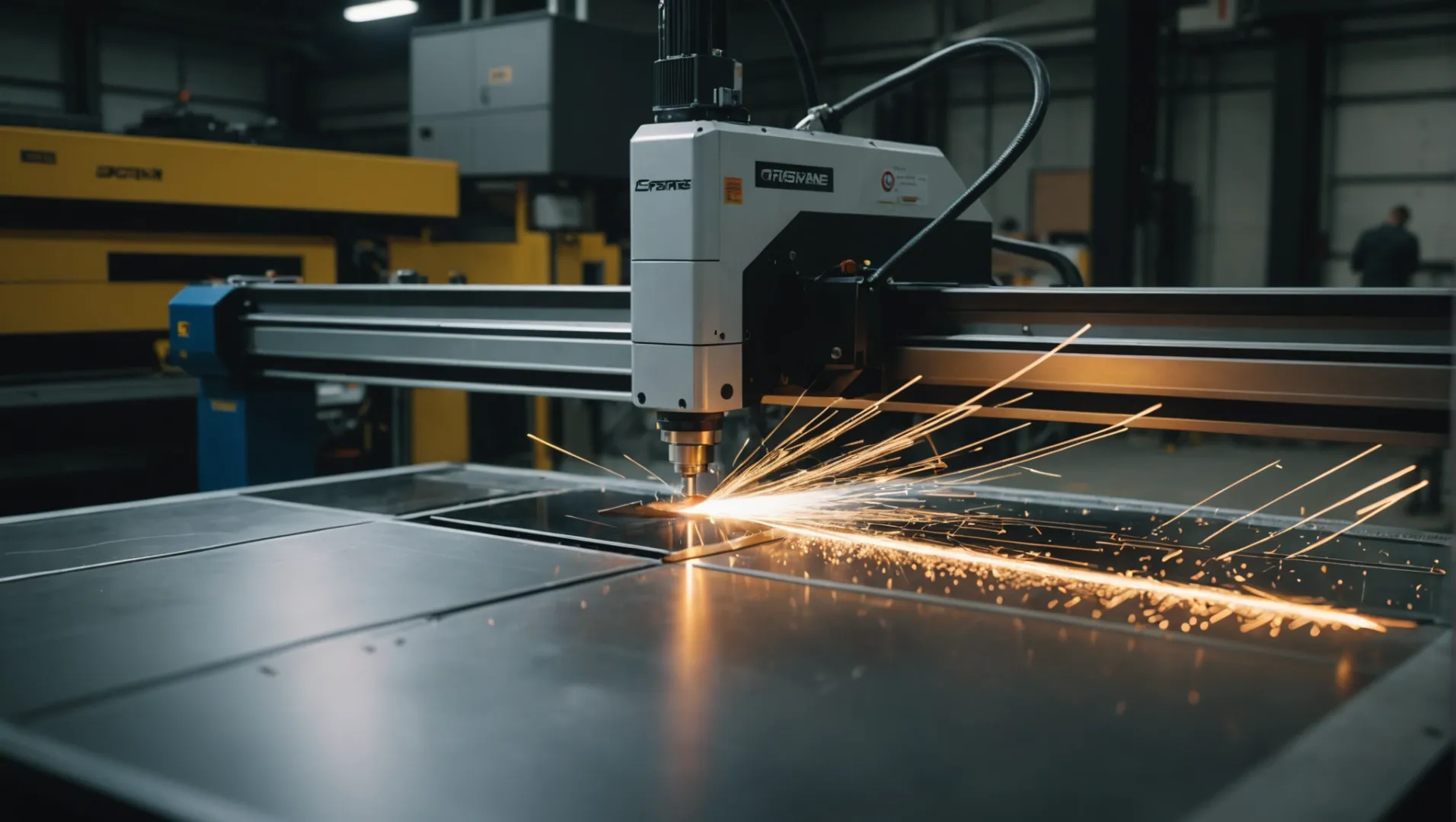
Material Compatibility
Laser cutters are adept at handling a variety of materials, but some limitations exist based on material type and thickness. For instance, while carbon dioxide laser cutters6 work well with non-metals like acrylic and wood, they struggle with metals unless paired with higher power settings. On the other hand, fiber lasers are better suited for metals but may not perform as effectively on organic materials.
Power and Speed Requirements
Each task demands different power and speed settings, which might necessitate frequent adjustments when switching between cutting and engraving. Cutting generally requires higher power and slower speeds to penetrate materials thoroughly, whereas engraving often needs lower power and more precise control to achieve detailed patterns. This constant need for adjustment can lead to inefficiencies in workflow if not managed correctly.
Precision and Detail
While laser cutters are known for precision, the level of detail achievable in engraving might be limited by the material’s properties. For example, engraving intricate designs on hard surfaces like glass requires meticulous focus adjustments and lower speed settings to prevent cracks or damage. Similarly, achieving sharp edges during cutting might be challenging if the material is too thick or the laser power insufficient.
Maintenance and Wear
Switching between cutting and engraving tasks frequently can lead to increased wear on the machine’s components. The lens, for example, might require more regular cleaning or replacement due to the buildup of debris from different materials. Ensuring consistent performance might demand a more rigorous maintenance schedule than machines used solely for one task.
Understanding these limitations can help users optimize their use of laser cutters for both cutting and engraving, leading to improved results and longevity of the equipment.
Fiber lasers excel at cutting non-metal materials.False
Fiber lasers are better for metals, not non-metals like wood.
Switching tasks increases laser cutter maintenance needs.True
Frequent task changes lead to more wear, needing regular upkeep.
Conclusion
In summary, mastering a laser cutter’s dual capabilities can transform your projects. Embrace the learning curve to unlock endless creative possibilities!
-
Explore how different metals require specific laser cutter setups.: Prep work before laser cutting · Holes: Typically, holes should not be less in diameter than the thickness of the material. · Slots: Slots can be … ↩
-
Understand various industries utilizing laser cutters for efficiency.: From creating detailed jewelry to manufacturing critical components in aerospace and automotive sectors, this technology plays a crucial role. ↩
-
Learn why steel needs powerful lasers for effective cutting.: Carbon steel is an exceptionally strong, dense material that requires high energy to in order perform laser cuts. Suffice it to say that the … ↩
-
Explore how different material properties impact laser outcomes.: Metals are heat resistant materials, engraving metals requires laser irradiation that creates a high density of energy. Basically, the average laser power leads … ↩
-
Discover tailored settings for various materials to enhance precision.: These Laser settings are provided for reference purposes only. Actual laser settings may vary depending on the source of materials and specific machines. ↩
-
Compare capabilities for different materials to make informed choices.: Fiber lasers provide higher cut precision than CO2. They have 10 times the working life of CO2 devices, often reported as 25,000 working hours. ↩