

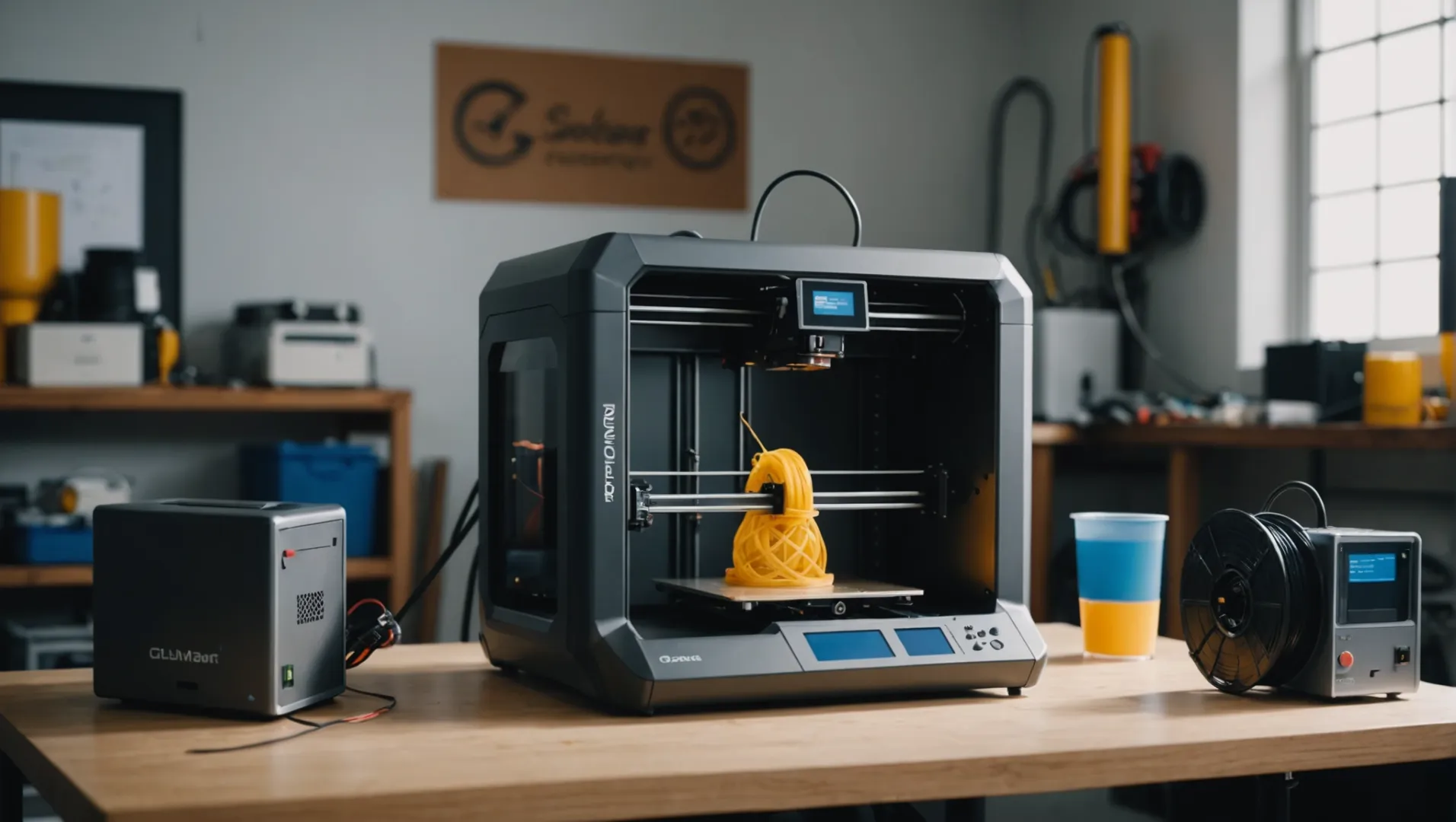
Are you wondering why a professional 3D printer, despite its higher price and complexity, might seem slower than a hobby printer?
Professional 3D printers may appear slower due to their focus on fine layer thickness and accuracy in complex models, but they generally offer faster overall speeds and higher-quality output compared to hobby printers.
While hobby printers can quickly churn out simple models, professional machines excel in quality and precision. Understanding these differences can help you choose the right printer for your needs. Let’s explore why this perceived speed difference exists.
Professional 3D printers are generally slower than hobby models.False
Professional printers prioritize quality over speed but can be faster overall.
What Factors Influence 3D Printer Speed?
Have you ever wondered why some 3D printers work faster than others? The speed of a 3D printer can significantly affect productivity, especially in professional settings.
3D printer speed is influenced by factors like nozzle size, layer height, material type, and printing technology. These elements determine how quickly a printer can produce an object, balancing speed with quality.
Nozzle Size and Printing Speed
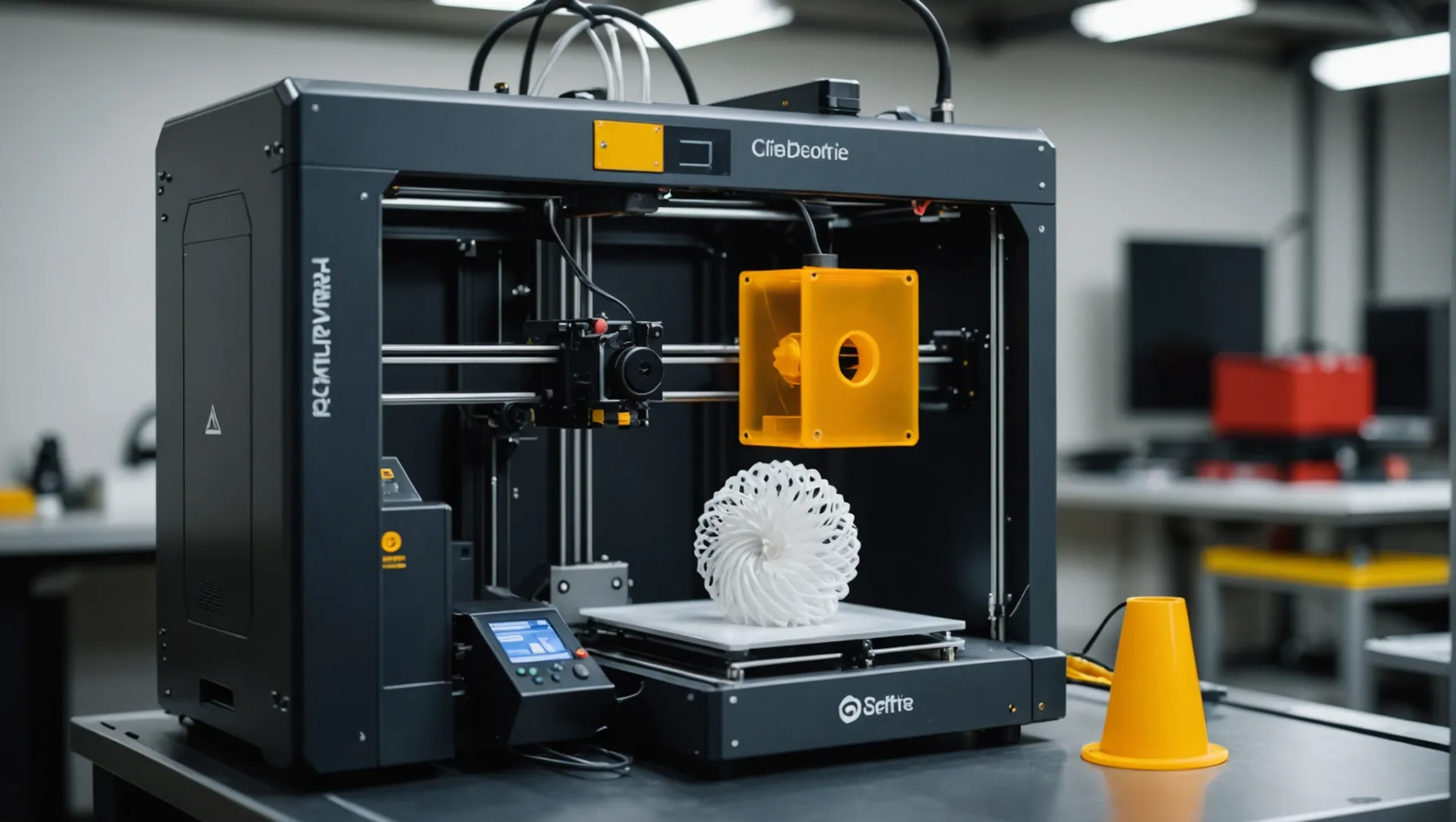
One of the most significant factors influencing 3D printer speed is the nozzle size1. A larger nozzle can extrude more material in a shorter time, allowing for faster printing. However, this comes at the cost of detail, as a larger nozzle reduces the resolution of the print.
Conversely, a smaller nozzle size improves detail and surface finish but slows down the print because it deposits less material per pass.
Layer Height’s Impact on Speed
Layer height is another crucial factor. Thicker layers mean fewer passes are needed to complete a print, speeding up the process. For instance, a layer height of 0.2mm will finish faster than one set at 0.1mm for the same object height.
However, thicker layers can lead to lower surface quality. Professional 3D printers often use finer layers to ensure high-quality finishes, even if this requires more time.
Material Type and Printer Speed
Different materials affect printing speeds2 due to their properties. For example, some plastics melt and cool faster than others, impacting how quickly a printer can proceed with subsequent layers.
Additionally, more advanced materials like metals or composites may require slower speeds to ensure proper bonding and structural integrity.
Printing Technology Variations
The type of printing technology also plays a significant role in determining speed. For instance, FDM (Fused Deposition Modeling) typically offers faster prints compared to SLA (Stereolithography) because it constructs objects layer-by-layer with melted filament rather than curing resin.
Some technologies, like DLP (Digital Light Processing), allow entire layers to be cured simultaneously, leading to significantly faster print times for certain models. Understanding the nuances of these technologies can guide users in selecting the best method for their needs.
Printer Settings and Calibration
Printer settings such as speed settings in the slicing software also impact printing speed. Adjusting parameters like travel speed or infill density can shave time off a print job.
Moreover, proper calibration ensures that the printer operates at its optimal speed without sacrificing quality or reliability.
Conclusion
While numerous factors influence 3D printer speed, understanding these variables helps users optimize their printers for specific applications. Balancing speed with quality remains key, particularly in professional settings where precision and detail are paramount.
Larger nozzle size increases 3D printing speed.True
A larger nozzle extrudes more material quickly, speeding up printing.
Thicker layers improve 3D print surface quality.False
Thicker layers speed up prints but reduce surface quality.
How Does Printing Technology Affect Speed?
In the world of 3D printing, different technologies dictate the speed and quality of outputs. But how does each technology impact speed?
Printing technology affects speed through its unique mechanisms. Stereolithography (SLA) offers high precision but slower speeds, while Digital Light Processing (DLP) and Fused Deposition Modeling (FDM) provide faster prints but with varying levels of detail. Each technology presents distinct trade-offs between speed, accuracy, and material use.

Comparing Printing Technologies
Understanding how different printing technologies influence speed requires a closer look at their core mechanisms.
-
Stereolithography (SLA): Known for its exceptional precision, SLA uses a laser to cure resin layer by layer. This results in high-quality finishes but can be time-consuming due to the detailed work required. However, SLA‘s precision3 is unrivaled in applications needing intricate detailing.
-
Digital Light Processing (DLP): Similar to SLA but uses a digital projector screen to flash a single image of each layer at once. This makes DLP typically faster than SLA as it cures an entire layer in one go. However, it can sometimes compromise on fine details due to the pixelated nature of the images.
-
Fused Deposition Modeling (FDM): FDM is popular among hobbyists for its straightforward process where a filament is melted and extruded layer by layer. It’s relatively quick and cost-effective but usually provides lower resolution outputs compared to SLA or DLP.
Table: Speed vs. Precision in Printing Technologies
| Technology | Speed | Precision | Use Case |
|---|---|---|---|
| SLA | Slow | High | Detailed models |
| DLP | Fast | Moderate | General prototyping |
| FDM | Fast | Low | Simple objects |
Material Considerations
Printing technology also affects speed through its material compatibility and requirements:
- SLA and DLP require specific resin types that can influence printing time due to curing processes and material properties.
- FDM works with various thermoplastics, allowing for quicker print times but with a trade-off in mechanical strength and detail.
The choice of technology ultimately depends on the intended application4 and priorities between speed, cost, and quality.
SLA is faster than DLP in 3D printing.False
SLA is slower than DLP due to its detailed layer-by-layer process.
FDM provides higher resolution than SLA.False
FDM offers lower resolution compared to the high precision of SLA.
Why Is Layer Thickness Important in Professional Printing?
Layer thickness plays a crucial role in determining the quality and speed of professional printing. But how exactly does it influence the final output?
In professional printing, layer thickness significantly affects the print’s precision, surface finish, and overall quality. Thinner layers lead to higher detail and smoother surfaces but may extend printing time. It’s a trade-off between speed and quality, where the choice depends on the desired outcome.
The Role of Layer Thickness in Print Quality
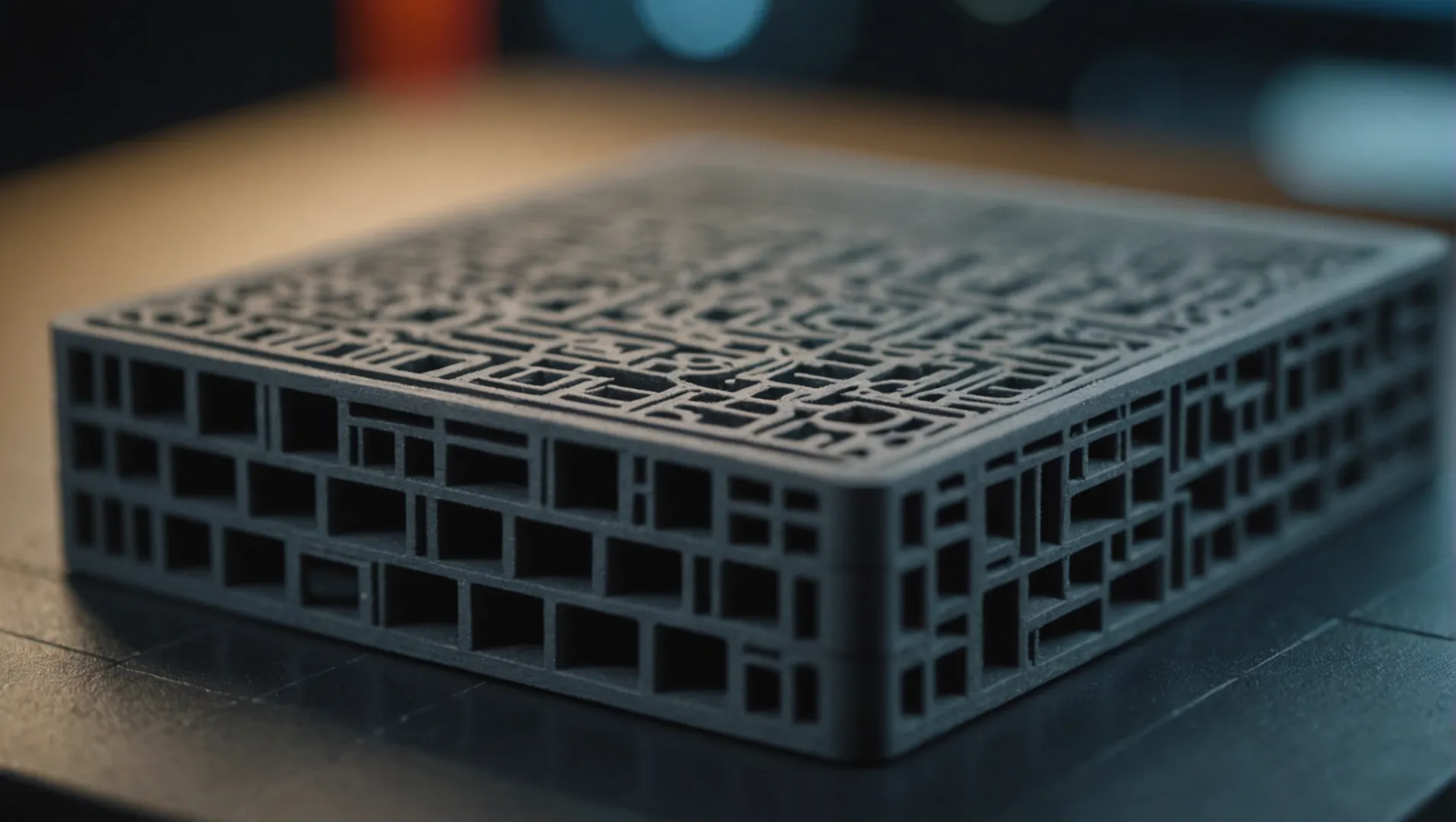
In professional printing, layer thickness is a critical factor that directly impacts the quality of the printed object. Thinner layers allow for finer details and smoother surfaces. This is particularly important in industries such as jewelry design or medical applications, where precision is paramount. By reducing the thickness of each layer, printers can produce outputs that closely mimic intricate designs and complex geometries.
For instance, a layer thickness of 0.1mm will capture more detail compared to a 0.3mm setting, leading to a smoother finish with fewer visible layer lines. This is ideal for products where aesthetics and accuracy are essential.
Impact on Printing Speed
While thinner layers enhance quality, they also necessitate longer printing times. This is because the printer has to deposit more layers to achieve the same height. For example, a model that requires 100 layers at a 0.1mm thickness would only need around 33 layers at a 0.3mm thickness. Thus, there’s a clear trade-off between achieving high detail and maintaining efficient production times.
Professional printers often use finer layer settings to prioritize quality over speed, especially when working with complex or detailed models that demand high precision.
Layer Thickness and Material Considerations
The choice of layer thickness also depends on the material being used. Different materials behave uniquely under various conditions, impacting how well they adhere to each other and how the final print holds up structurally. For example, some high-grade materials require precise temperature and pressure settings to ensure optimal bonding between layers.
Professional printers are typically equipped with advanced features to accommodate these demands, such as precise temperature controls and enhanced nozzle systems that allow for consistent extrusion.
Comparing Technologies: SLA vs. FDM
Different 3D printing technologies handle layer thickness in various ways. Stereolithography (SLA) uses a laser to cure liquid resin, allowing for very fine layer resolutions. On the other hand, Fused Deposition Modeling (FDM) works by melting and extruding plastic filament, which may result in thicker layers but faster print times.
| Technology | Typical Layer Thickness | Use Case |
|---|---|---|
| SLA | 25 – 100 microns | High-detail models like jewelry |
| FDM | 100 – 400 microns | Prototyping and functional parts |
Choosing the Right Balance
Ultimately, selecting the appropriate layer thickness involves balancing speed and quality based on project requirements. For high-resolution projects5, opting for thinner layers might be beneficial despite the longer print times. Conversely, for rapid prototyping6, slightly thicker layers could suffice if speed is prioritized over surface finish.
Understanding how these factors interplay can guide professionals in making informed decisions when setting up their printing jobs.
Thinner layers result in higher print detail.True
Thinner layers capture finer details and create smoother surfaces.
FDM printing uses thinner layers than SLA.False
FDM typically has thicker layers, while SLA allows for finer resolutions.
What Are the Trade-Offs Between Speed and Quality in 3D Printing?
In the world of 3D printing, achieving the perfect balance between speed and quality can be quite a challenge. What are the trade-offs involved?
In 3D printing, faster speeds often compromise quality, while focusing on precision may slow down production. Achieving a balance depends on factors like printing technology, material used, and desired output.
Understanding the Speed-Quality Dilemma
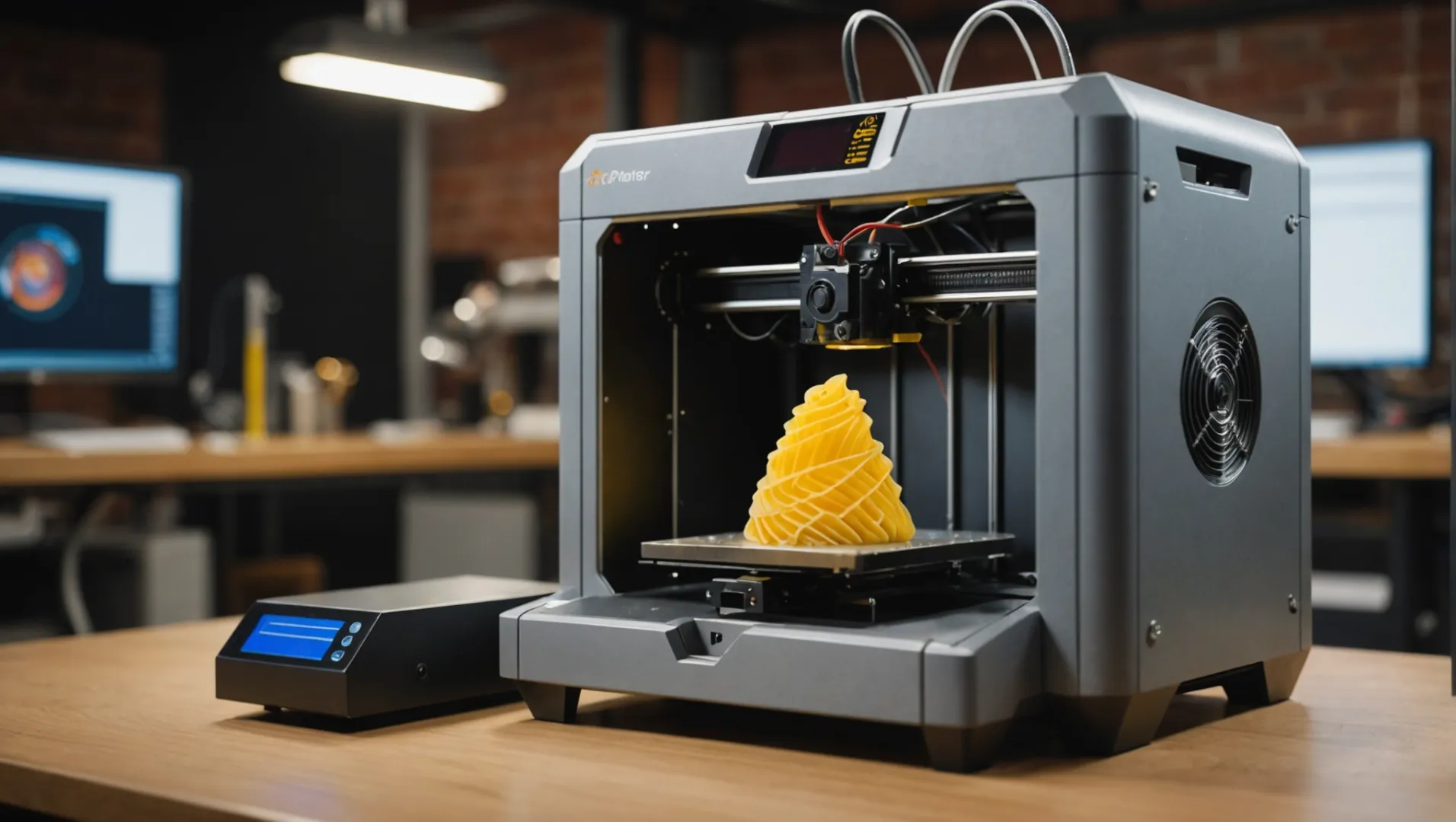
When it comes to 3D printing, one of the most pressing questions is how to balance speed with quality. On the surface, it seems straightforward: faster print speeds mean quicker results. However, this can lead to a decrease in the quality of the final product. Conversely, focusing on high-quality outputs typically requires more time.
The Role of Printing Technologies
The technology used in 3D printers significantly impacts both speed and quality. For instance, Fused Deposition Modeling (FDM) is known for its affordability and ease of use but often sacrifices fine detail for speed. In contrast, Stereolithography (SLA) and Digital Light Processing (DLP) offer higher precision due to their resin-based methods but may operate slower, especially when dealing with complex designs.
| Technology | Speed | Quality |
|---|---|---|
| FDM | High | Medium |
| SLA | Medium | High |
| DLP | Medium | High |
Material Considerations
The choice of material can also affect the speed and quality of a print. Some materials require specific temperatures or conditions to print optimally, which can slow down the process. For example, metal 3D printing often demands slower speeds to maintain precision and strength.
Layer Thickness and Its Impacts
Layer thickness is a crucial factor in determining both speed and quality. Thinner layers generally produce smoother surfaces and more detailed prints but require more time as the printer must lay down more layers. On the other hand, thicker layers increase speed but might result in a rougher finish.
Application-Specific Trade-Offs
For industrial applications, where precision and durability are paramount, sacrificing speed for quality can be justifiable. In contrast, for prototyping or hobbyist projects where time is of the essence, speed may take precedence over minor imperfections.
The decision between speed and quality in 3D printing is not always clear-cut. It requires consideration of the technology employed7, the materials chosen, and the specific needs of the project.
FDM technology sacrifices detail for speed in 3D printing.True
FDM is known for high speed but medium quality due to coarser layers.
SLA and DLP technologies are faster than FDM in 3D printing.False
SLA and DLP offer higher precision but generally operate at slower speeds.
Conclusion
Ultimately, the choice between professional and hobby 3D printers depends on your specific needs for speed, accuracy, and quality. Evaluate what matters most for your projects to make an informed decision.
-
Discover how varying nozzle sizes impact printing speed and detail.: Basically, the thing that gets spread about a lot, is that using a larger nozzle size enables wider line widths, which leads to quicker prints. ↩
-
Learn about material properties affecting print speeds.: Ultimately, the optimum print speed will depend on many factors, such as the type of material, layer thickness, type of 3D printer, model design and complexity. ↩
-
Explore SLA’s unique precision benefits for intricate designs.: Pros: · High-Quality Prints: This produces high-quality prints with smooth surfaces and intricate details. · Faster Printing: This is faster … ↩
-
Guidance on selecting a technology based on specific project needs.: Compare the three most established 3D printing technologies, FDM, SLA, and SLS, and find out which type of 3D printer would work best for your application. ↩
-
Explore why high-resolution printing is crucial for detail-oriented projects.: When you’re printing a high-resolution photo, it generally means it will be clearer, crisper, and more detailed. For a print to be considered high quality, it … ↩
-
Learn how rapid prototyping speeds up product development cycles.: Six Advantages of Rapid Prototyping · 1. Accelerated Product Development · 2. Enables Testing of Design Functionality · 3. Enables Evaluation of … ↩
-
Understand how technology choice affects print speed and detail.: Printer Type- Some 3D printing technologies like SLA and DLP are inherently faster than FDM/FFF for example. Material- The type of plastic, … ↩