

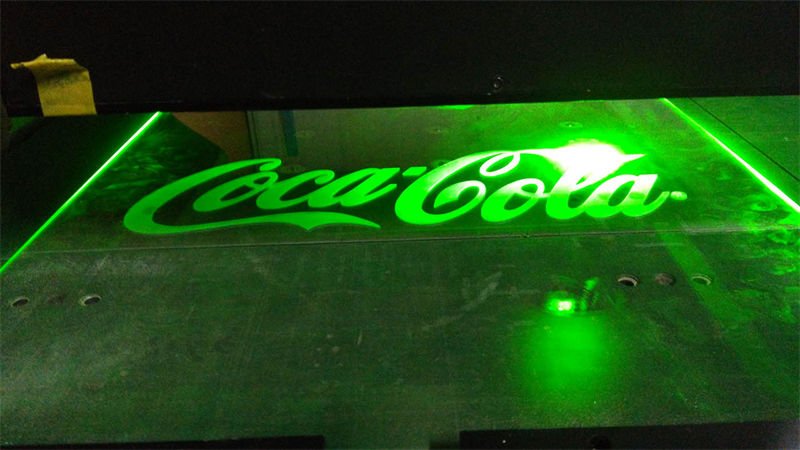
Choosing the right glass laser engraving machine can be daunting with the myriad of options available.
The key features of a glass laser engraving machine include laser type, which affects precision; bed size, determining material capacity; software compatibility for design versatility; and cost efficiency impacting your budget. Understanding these factors ensures optimal performance and satisfaction in your engraving endeavors.
While knowing the basic features is helpful, understanding their impact on your specific needs can make a significant difference. This post dives deeper into these elements, offering insights that are crucial for anyone looking to master glass engraving.
CO2 lasers are ideal for glass engraving.True
CO2 lasers offer precise and clear engravings on glass due to their wavelength.
How Does Laser Type Affect Engraving Quality?
Laser types significantly influence the precision and clarity of engraving, impacting overall quality.
Different laser types, like CO2 and fiber lasers, directly affect the engraving quality on glass by influencing precision, depth, and detail. Each type is suited for specific materials and applications, making it essential to choose wisely based on your engraving needs.
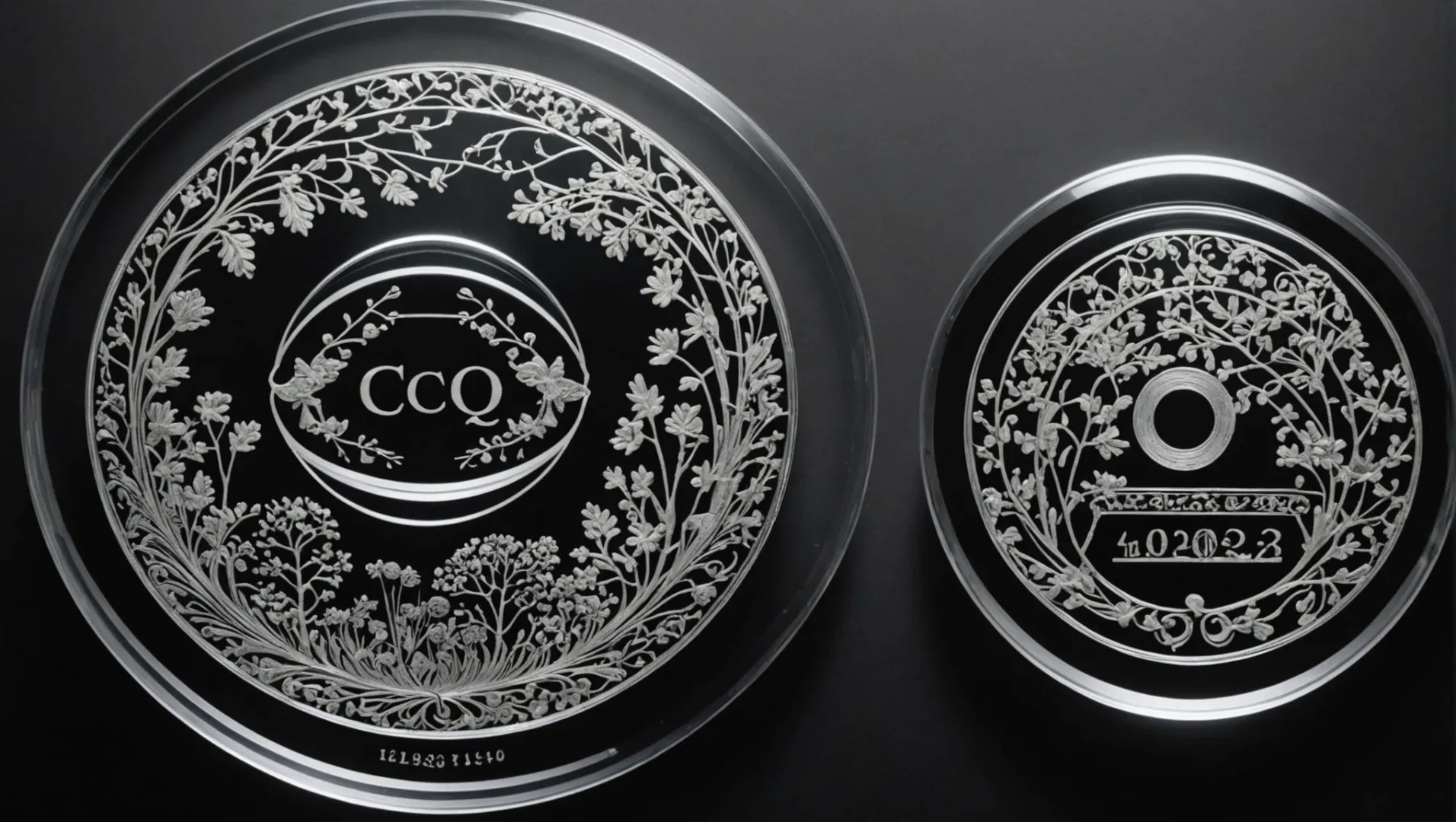
Understanding Laser Types
When discussing laser engraving, two primary types stand out: CO2 lasers and fiber lasers. These lasers operate differently and are suited for varied applications, including glass engraving1.
-
CO2 Lasers:
- Best for non-metallic materials such as wood, acrylic, and glass.
- Offers a longer wavelength, around 10.6 micrometers, which is well absorbed by glass, ensuring clean and precise engravings.
- Ideal for applications requiring shallow cuts or detailed surface designs.
-
Fiber Lasers:
- Typically used for metals but can be adapted for certain glass engravings with special settings.
- Provides a much shorter wavelength (1.064 micrometers), offering high precision but not always ideal for glass without modifications.
Impact on Engraving Quality
The choice between these laser types can make a significant difference in the quality of engraving:
-
Precision:
- CO2 lasers generally offer smoother edges and finer details on glass due to their wavelength compatibility with non-metallic surfaces.
- Fiber lasers may require additional adjustments to achieve similar quality, often increasing complexity and cost.
-
Depth and Clarity:
- CO2 engravings tend to be shallower but clearer on glass, as they produce less heat and material disruption.
- Fiber lasers might penetrate deeper but can sometimes lead to less clarity if not calibrated correctly.
Practical Applications
Consider your engraving requirements2 when selecting a laser type:
- If your work involves intricate designs on glass items like awards or decorative pieces, a CO2 laser is typically the best option.
- For industrial applications where versatility across materials is needed, a fiber laser with appropriate settings might be more beneficial.
Understanding these nuances ensures that you select the right laser type for your specific engraving needs, ultimately enhancing the quality of your final products.
CO2 lasers are best for glass engraving.True
CO2 lasers have a wavelength that is well absorbed by glass, ensuring precision.
Fiber lasers produce clearer engravings on glass than CO2 lasers.False
Fiber lasers may penetrate deeper but often lack clarity without proper settings.
Why Is Bed Size Important in Laser Engraving?
Considering bed size in laser engraving is crucial for material flexibility and efficiency.
Bed size in laser engraving machines determines the maximum dimensions of materials that can be processed. A larger bed size allows for engraving bigger items or multiple smaller pieces simultaneously, increasing productivity and versatility. Choosing the right bed size ensures efficient workflow and accommodates a wider range of projects.
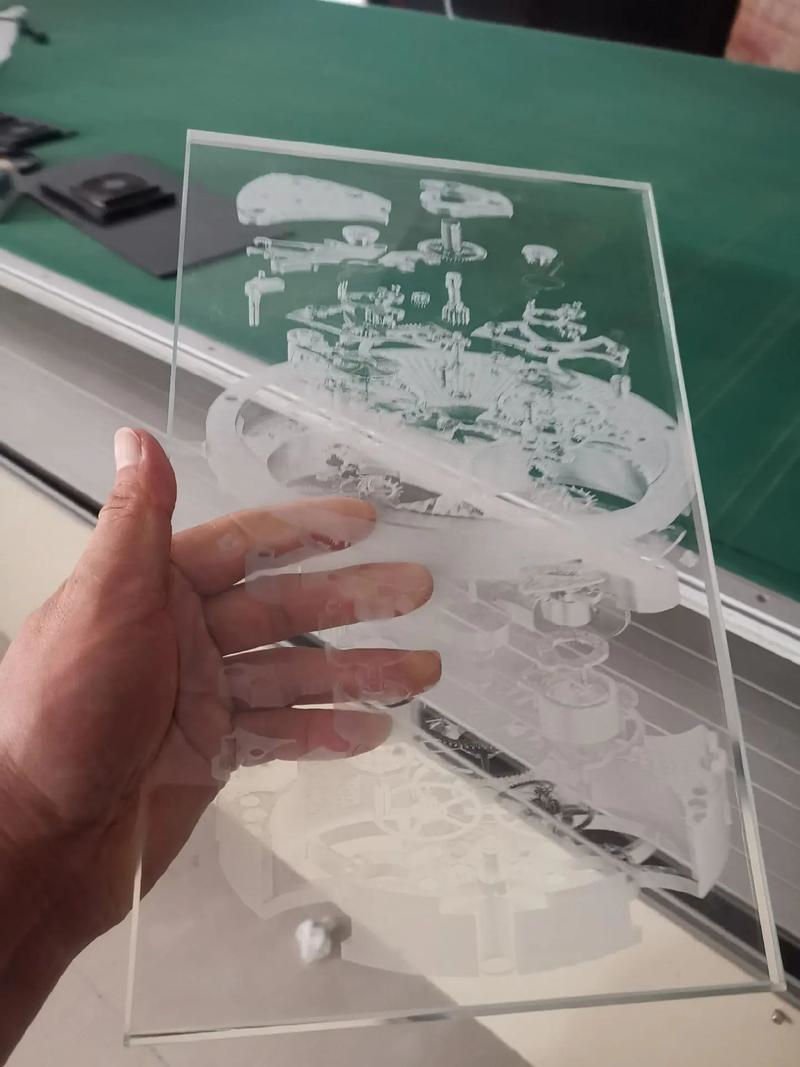
Flexibility and Versatility
A key advantage of a larger bed size is the flexibility it offers. With a spacious bed, you can accommodate a variety of materials, from large signs to intricate multi-piece projects. This versatility can be particularly beneficial for businesses that deal with diverse client demands. For instance, an engraving service might handle anything from custom plaques3 to oversized art pieces.
Efficiency in Workflow
Another significant benefit is the potential for improved workflow efficiency. A larger bed allows you to engrave multiple items in one go, which can drastically reduce production times. Instead of setting up each piece individually, you can position several on the bed at once, optimizing the machine’s runtime and lowering labor costs.
Impact on Material Choices
The bed size also influences the types of materials you can work with. A larger engraving area opens up opportunities to use materials that may otherwise be challenging to fit, such as large sheets of acrylic or wood. This enables creativity in design and execution without the constraint of cutting materials down to size.
Considerations for Your Workspace
While a larger bed size offers numerous advantages, it’s important to consider your available workspace. Larger machines require more space, which could be a limiting factor in smaller workshops. Evaluating your physical space constraints against the benefits of a larger bed is crucial in making an informed decision about your laser engraving machine setup.
Balancing Cost and Benefit
Lastly, there is a cost consideration. Machines with larger beds typically come with a higher price tag. However, the potential increase in productivity and project scope can offset this initial investment over time. Carefully weigh the cost against the operational advantages to determine if a larger bed is worth it for your specific needs.
A larger bed size increases engraving versatility.True
A larger bed accommodates diverse materials, enhancing project flexibility.
Smaller bed sizes are more efficient for large projects.False
Larger beds allow multiple items to be engraved simultaneously, improving efficiency.
What Software Compatibility Should You Look For?
Ensuring software compatibility in laser engraving machines can make or break your creative projects.
When selecting a laser engraving machine, ensure it supports popular design software like CorelDRAW and Adobe Illustrator. This compatibility allows seamless integration and flexibility in design creation, ensuring efficient and precise engravings. Prioritizing software compatibility enhances productivity and broadens creative possibilities.
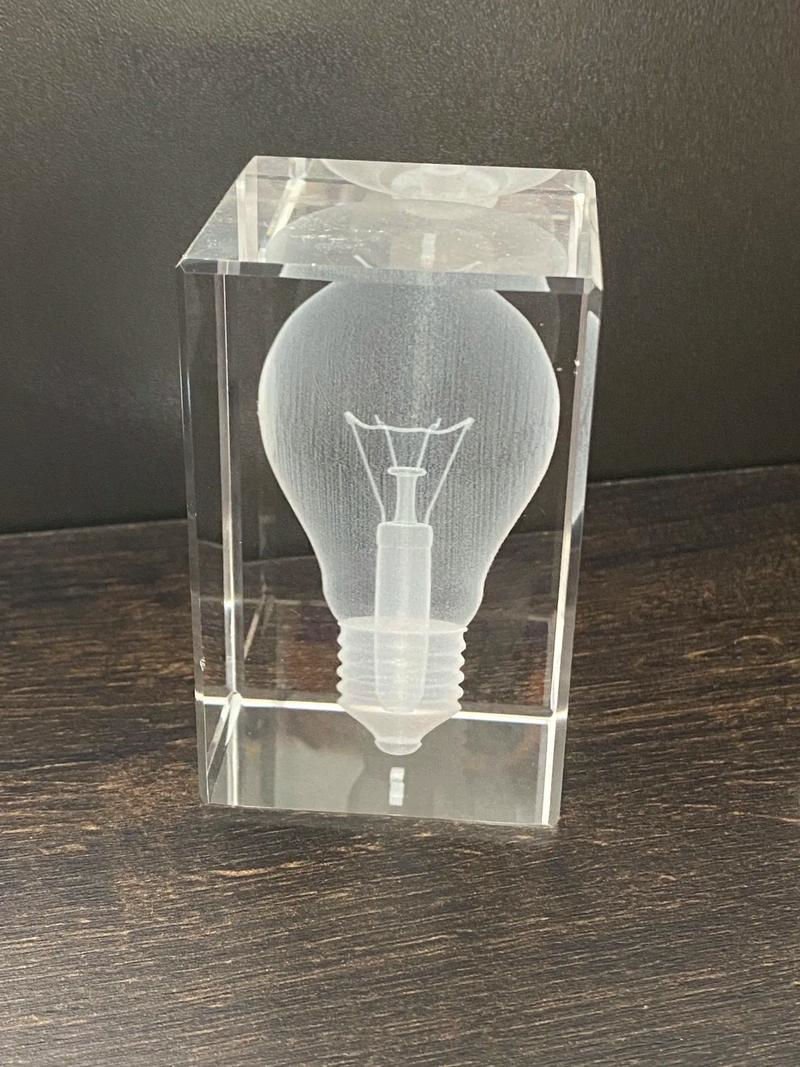
Understanding Software Compatibility
Software compatibility in laser engraving machines is crucial for achieving optimal results. A machine that integrates well with widely used design programs such as CorelDRAW or Adobe Illustrator enables users to import and manipulate designs effortlessly. This integration ensures that the design process remains smooth and intuitive, allowing users to focus on creativity rather than technical challenges.
The Importance of Supported File Formats
Another critical aspect of software compatibility is the range of supported file formats. Machines that can process various file types, including .AI, .SVG, .DXF, and .PDF, offer greater flexibility to users. This versatility means you can work with multiple design sources and switch between different design software without any loss of quality or functionality.
| Supported Software | Key Benefit |
|---|---|
| CorelDRAW | Easy vector design creation |
| Adobe Illustrator | Advanced graphic editing capabilities |
| AutoCAD | Precise engineering drawings |
Exploring Proprietary Software Options
Some laser engraving machines come with proprietary software that offers unique features not available in third-party programs. These might include specialized editing tools or enhanced machine control options. While these can be beneficial, it’s vital to evaluate whether such proprietary solutions limit your ability to use other industry-standard software.
For instance, exploring third-party options4 might provide additional functionalities like custom plug-ins or community support that proprietary software lacks.
Integration with Operating Systems
Beyond design software, consider the compatibility of the engraving machine with your computer’s operating system. Whether you’re using Windows, macOS, or Linux, ensure that the machine’s software drivers are compatible. This alignment prevents potential issues during setup and operation, safeguarding your workflow from unnecessary disruptions.
Future-Proofing Through Updates
Finally, choose a machine that offers regular software updates. These updates can provide new features, improve existing functions, and fix bugs, ensuring your machine remains cutting-edge over time. This forward-thinking approach not only enhances current operations but also prepares your setup for future technological advancements.
By evaluating these aspects of software compatibility, you’ll be better equipped to select a laser engraving machine that aligns with your creative and technical needs.
CorelDRAW is unsupported by most laser engravers.False
CorelDRAW is widely supported by laser engraving machines for vector design.
Proprietary software may limit third-party use.True
Proprietary solutions can restrict compatibility with other standard software.
How Can You Ensure Cost Efficiency in Your Purchase?
Balancing cost and quality is crucial when purchasing a glass laser engraving machine.
To ensure cost efficiency, assess your specific needs, compare different models, consider long-term operational costs, and explore financing options. Prioritize features that enhance productivity and reduce downtime, such as reliable software and durable components. This approach helps maximize your investment and minimize unnecessary expenses.
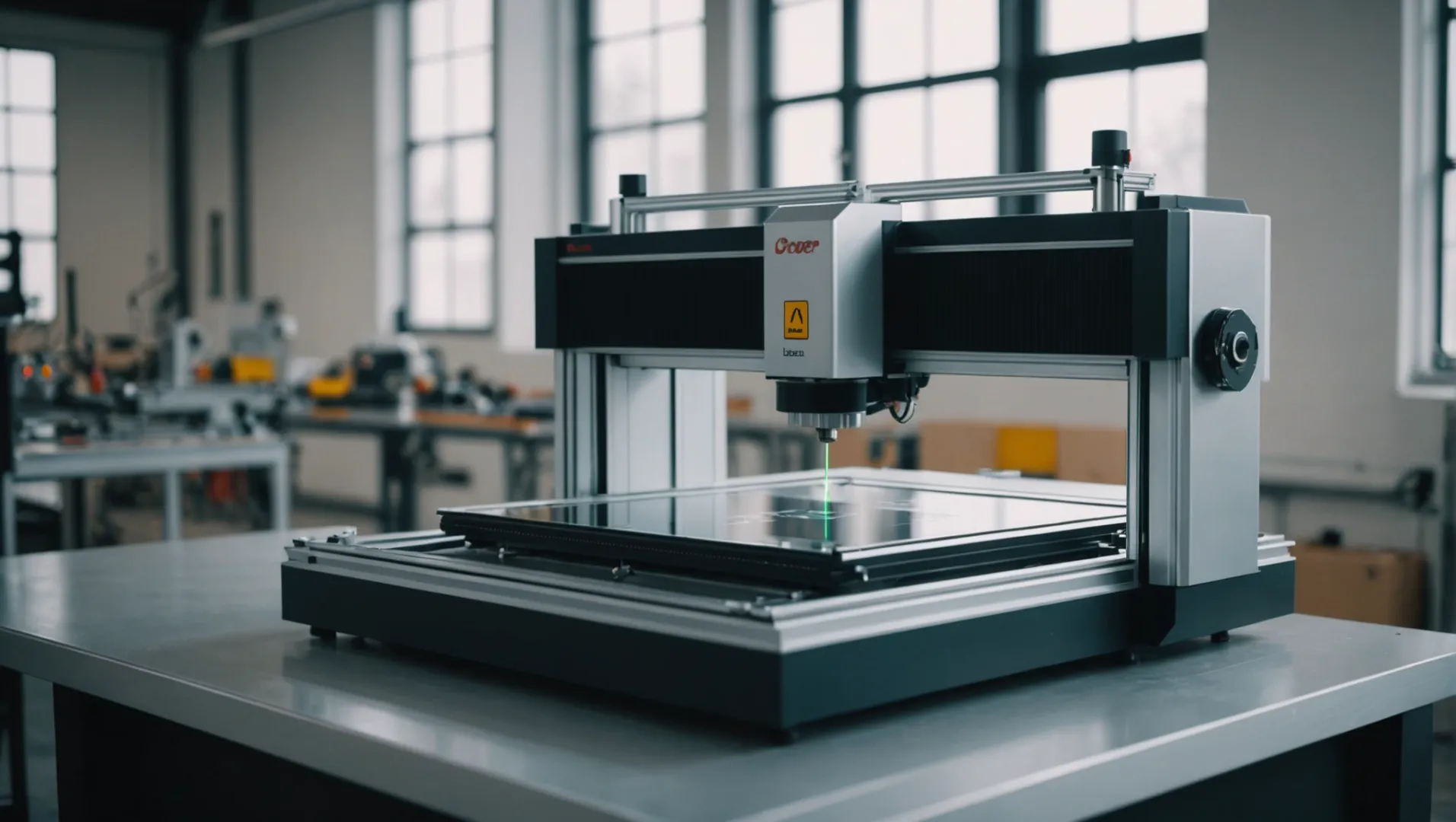
Assessing Your Specific Needs
Start by identifying the primary purpose of your glass laser engraving machine. Are you planning to engrave intricate designs or produce large volumes of work? Understanding your needs will prevent overspending on features you may not utilize. Create a checklist of essential and desirable features based on your projects.
Comparing Different Models
Research various models within your budget range. Look for customer reviews and expert opinions to gauge performance and reliability. Compare features like laser type and precision5, bed size, and software compatibility. A side-by-side comparison can clarify which model offers the best value for your specific requirements.
Considering Long-Term Operational Costs
Beyond the initial purchase price, consider the operational costs of each model. This includes maintenance, power consumption, and the availability of replacement parts. A machine with a lower upfront cost may incur higher long-term expenses if it requires frequent repairs or consumes more energy.
| Model | Initial Cost | Energy Consumption | Maintenance Frequency |
|---|---|---|---|
| Model A | $3,000 | Low | Annual |
| Model B | $4,500 | Medium | Bi-Annual |
| Model C | $5,000 | High | Quarterly |
Exploring Financing Options
Financing options can make purchasing a high-quality engraving machine more manageable. Investigate leasing options or payment plans offered by manufacturers or third-party financial institutions. These can spread the cost over time, reducing the immediate financial burden.
Prioritizing Productivity-Enhancing Features
Invest in features that will boost productivity and reduce downtime. Reliable software with user-friendly interfaces can streamline operations, while durable components minimize maintenance needs. Consider the software compatibility6 with design tools you already use to avoid additional costs in learning new systems.
By taking a comprehensive approach to assessing costs, you can ensure a smart investment in your glass laser engraving machine, maximizing both efficiency and value.
High upfront cost means lower long-term expenses.False
Lower upfront costs can lead to higher maintenance and energy costs.
Leasing options reduce immediate financial burden.True
Leasing spreads the cost over time, easing initial payment requirements.
Conclusion
By understanding these key features, you can choose a glass laser engraving machine that meets your needs and budget. Explore each component carefully to ensure optimal results and enhance your creative projects.
-
Explore how different lasers affect engraving precision on glass.: Fiber lasers are generally better at cutting metals than CO2 lasers because the laser beam’s energy is absorbed more efficiently by the metal surface. ↩
-
Learn which laser excels in producing intricate glass designs.: You can engrave glass with CO2 and UV lasers. CO2 is cheaper. UV starts somewhere around 8k. If you want to use a rotary, you’ll need a somewhat bigger unit. ↩
-
Explore creative possibilities and unique designs for laser-engraved custom plaques.: How to Choose Custom Engraved Plaques · Wood including bamboo, walnut, alder, glass and granite. Leatherette in a variety of color options … ↩
-
Discover how third-party software enhances engraving capabilities and user experience.: It offers a user-friendly interface and a wide range of design and editing tools. With LaserCAD, you can easily import different file formats, … ↩
-
Understand how laser type impacts both quality and operational costs.: This laser has many parameters that effect on the engraving process like frequency, repetition rate, power and other parameters for material and material … ↩
-
Find software compatibility that enhances efficiency and reduces learning curves.: Trotec LaserCut – This software is specifically designed for Trotec laser engravers, but it is also compatible with other laser systems. ↩